¶ Workflow Trigger: Review Received
Welcome to the step-by-step guide on setting up Workflow Triggers for Facebook and Google reviews, a powerful tool to automate responses based on incoming review content. With this feature, you can save time, respond faster, and personalize engagement to maintain a stellar online reputation.
¶ Why Workflow Triggers Matter
Workflow Triggers let you:
- Automate Responses : Create specific actions based on review content.
- Enhance Reputation Management : Filter reviews to prioritize and address feedback promptly.
- Personalize Engagement : Tailor responses based on review rating, source, and spam detection.
¶ 1. What is the “Review Received” Trigger?
The “Review Received” trigger allows you to set up automated actions based on new reviews from Facebook and Google. This trigger is contactless, meaning it isn’t associated with any specific contact details, but provides essential information like rating, platform source, and spam status to help guide your workflow actions.
¶ 2. Setting Up the Workflow Trigger
To get started with creating a workflow for review responses:
- Go to the Workflow section.
- Click on Create New Workflow or select an existing workflow to edit.
In the trigger options, select “Review Received”.
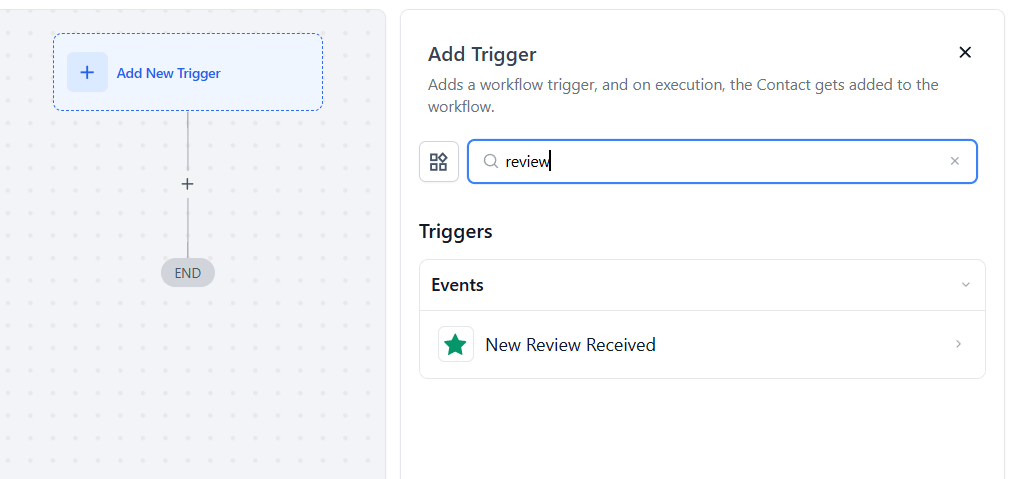
With this trigger, you can set up automated responses for any new review on Facebook or Google.
¶ 3. Adding Filters for Reviews
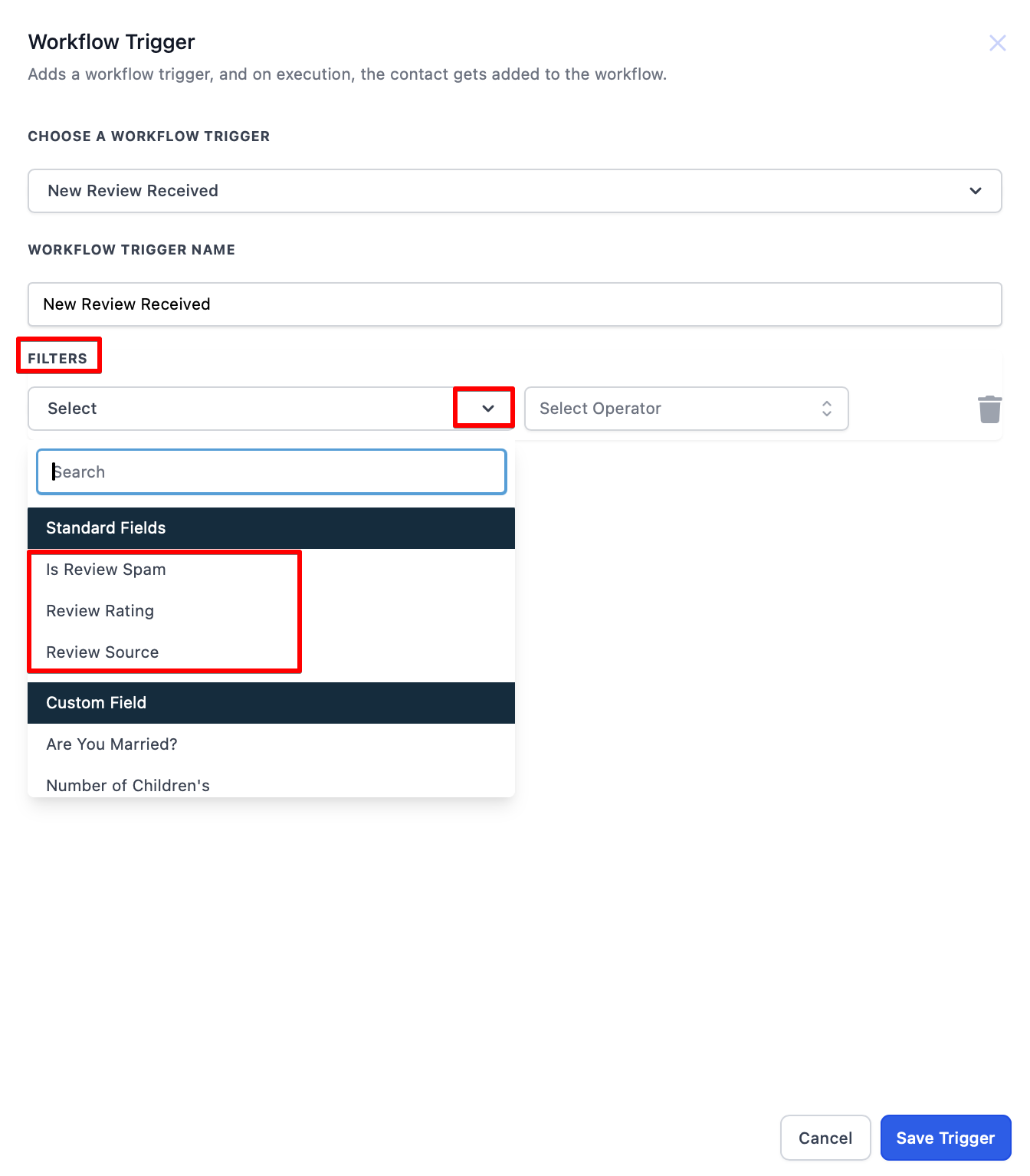
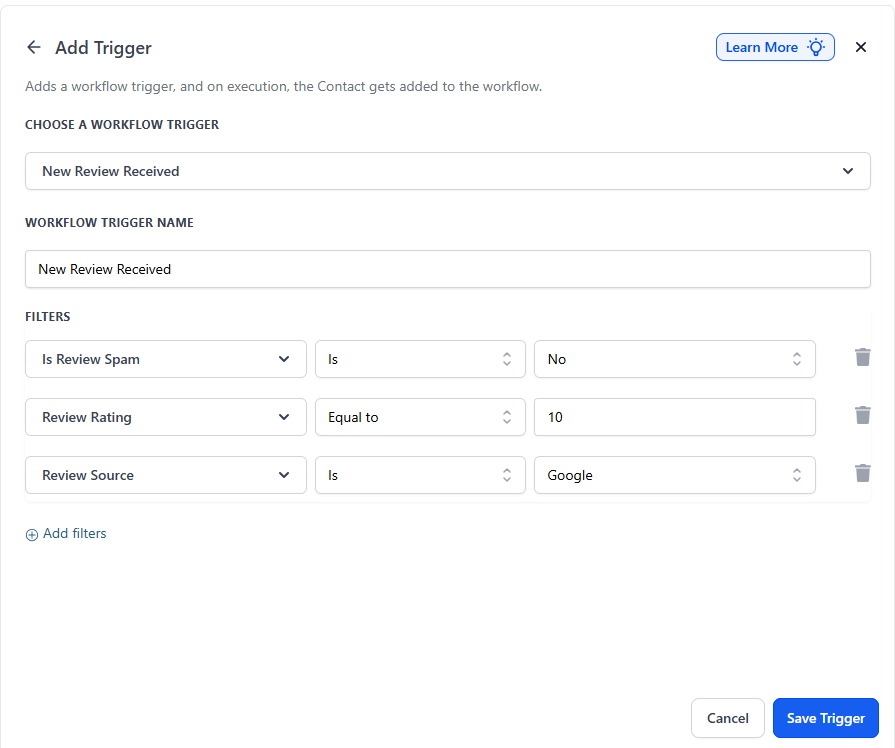
Filters help you tailor actions based on review specifics. Here are the key filters you can use:
- Review SPAM
- Select Yes or No to automatically handle spam reviews. For example, choose “Yes” to filter out spam reviews and prevent them from triggering actions.
- Review Source
- This filter differentiates between Google and Facebook reviews, allowing you to create actions specific to the platform.
- Review Rating
- Set up workflows based on star ratings (1 to 5). For instance, you could send a thank-you email for 5-star reviews and initiate a customer support follow-up for 1 or 2-star reviews.
¶ 4. Mapping Review Details to Automated Actions
Once your filters are set, it’s time to map actions for the incoming reviews:
- Choose Actions : Based on your selected filters, map each review detail to specific actions within the workflow.
- Automate Responses : Set up follow-up emails, trigger support requests, or route review data to a webhook for further processing.
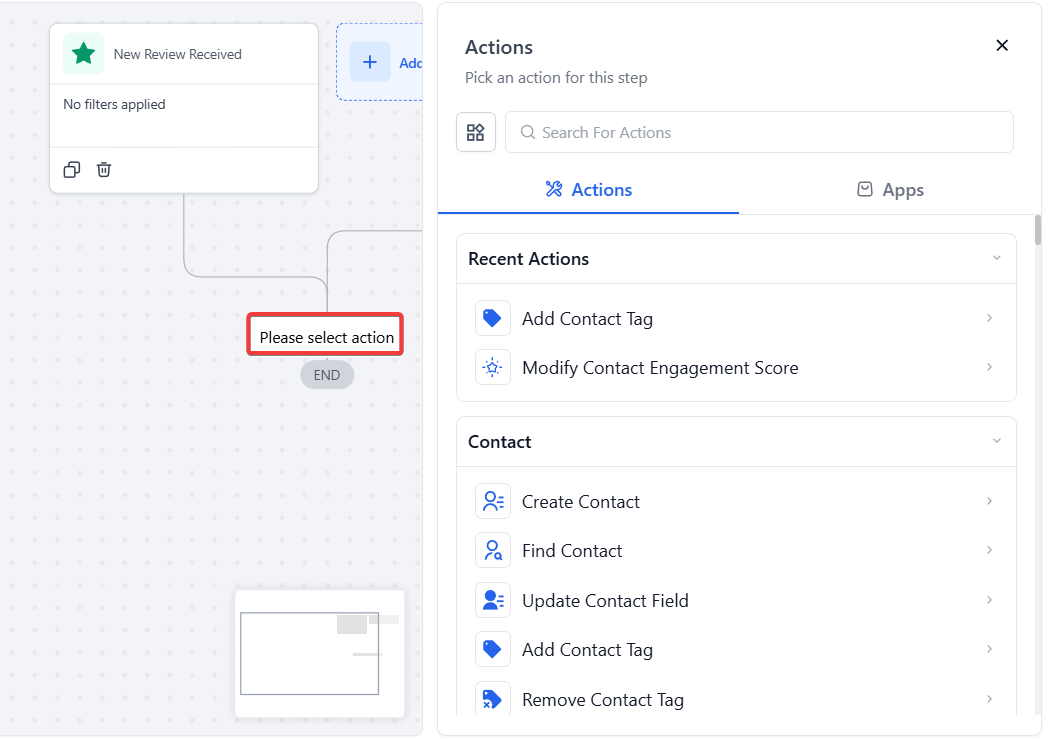
This setup ensures that each review receives a relevant, automated response, helping you efficiently manage your online reputation.
¶ 5. Saving and Testing Your Workflow
After configuring filters and actions, follow these steps to finalize:
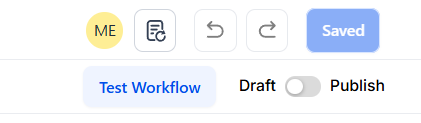
- Click Save to confirm your workflow setup.
- Test the Workflow :
- Leave a test review or simulate one to check if the automation triggers correctly.
- Review and adjust filters or actions as needed based on your test results.
¶ FAQ
Question: Can I customize actions based on the review rating?**
**Answer: Yes, you can set specific actions for each rating, such as sending a thank-you for 5-star reviews or initiating a follow-up for lower ratings.
Question: How does the spam filter work?**
**Answer: The spam filter allows you to automatically detect and handle flagged reviews without letting them clutter your workflow.
Question: Can I differentiate between Facebook and Google reviews?**
**Answer: Yes, the Review Source filter lets you set up separate workflows for Facebook and Google reviews.
Question: Is it possible to trigger external actions with review data?**
**Answer: Yes, you can pass review data to a webhook or other automated systems within the workflow.
Question: What does “contactless” mean in this context?**
**Answer: “Contactless” means that reviews are not linked to specific contacts or contact details, allowing the workflow to operate independently of customer records.
Question: Can I filter reviews based on spam status or platform?**
**Answer: Yes, you can use filters like Review SPAM (Yes/No), Review Source (Facebook or Google), and Review Rating to ensure only relevant reviews trigger your automated actions.