¶ Different Workflow Actions for Opportunities
**Different Workflow Actions for Opportunities
**
The Opportunity-related workflow actions provide greater flexibility and precision when creating, updating, assigning, and removing opportunities from your sales pipelines. This ensures that your sales team operates more efficiently, with full control over every aspect of opportunity management. This article will walk you through the key features and benefits of these actions and provide simple steps to implement them in your workflow.
¶ Key Features and Benefits
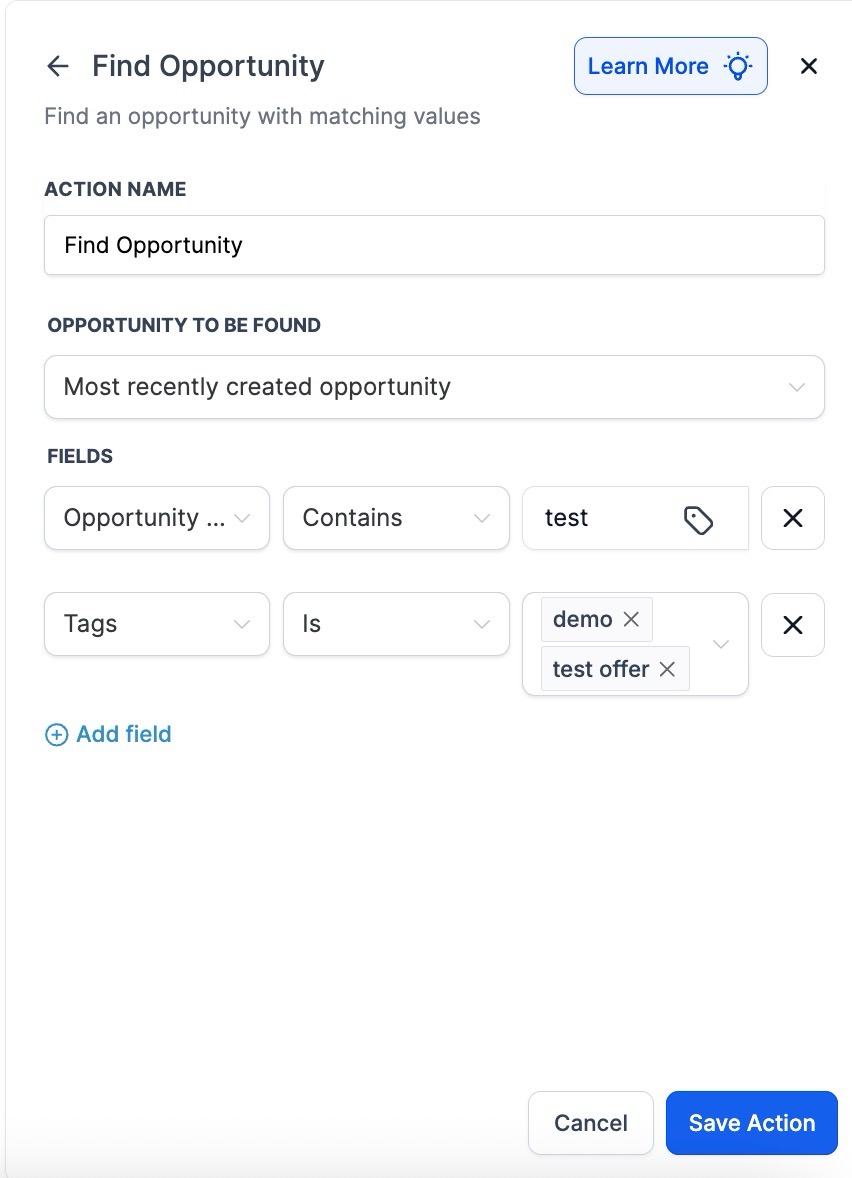
1. “Find Opportunity” Action
- Benefit : Quickly locate the earliest or latest opportunity for a contact.
- Use Case : Ideal for updating a specific opportunity or making decisions based on an existing record. This feature is perfect for those situations where you need to reference the most recent or oldest opportunity in the pipeline.
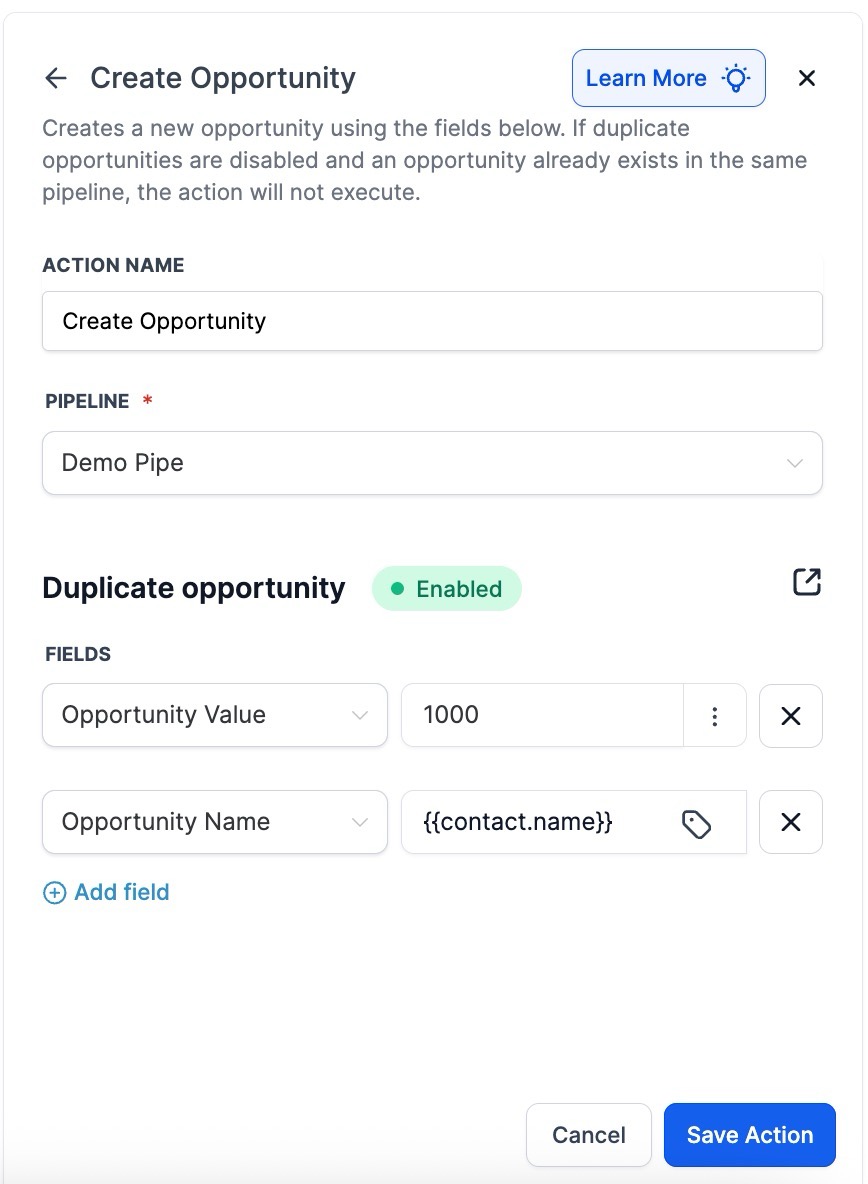
2. “Create Opportunity” Action
- Benefit : Effortlessly create a new opportunity in a specified pipeline or stage without affecting existing records.
- Use Case : Ideal for onboarding new leads and automatically populating opportunity details and values. This feature also unifies the duplicate opportunity setting to follow a global setting, ensuring consistency across all pipelines.
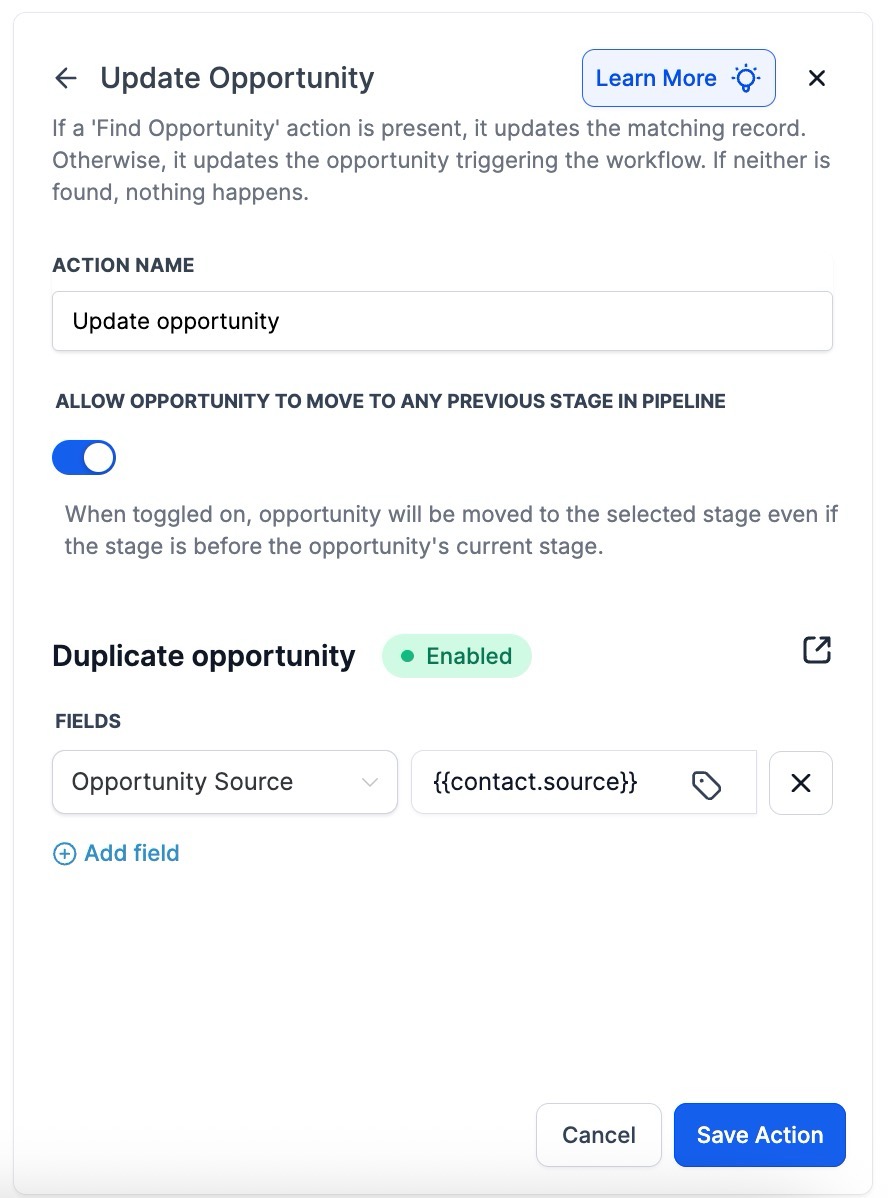
3. “Update Opportunity” Action**
**
- Benefit : Modify various fields such as name, value, and pipeline stage of an existing opportunity.
- Use Case : Perfect for updating an opportunity’s status or stage after a lead takes a new action. You can also move opportunities from one pipeline to another based on changing circumstances.
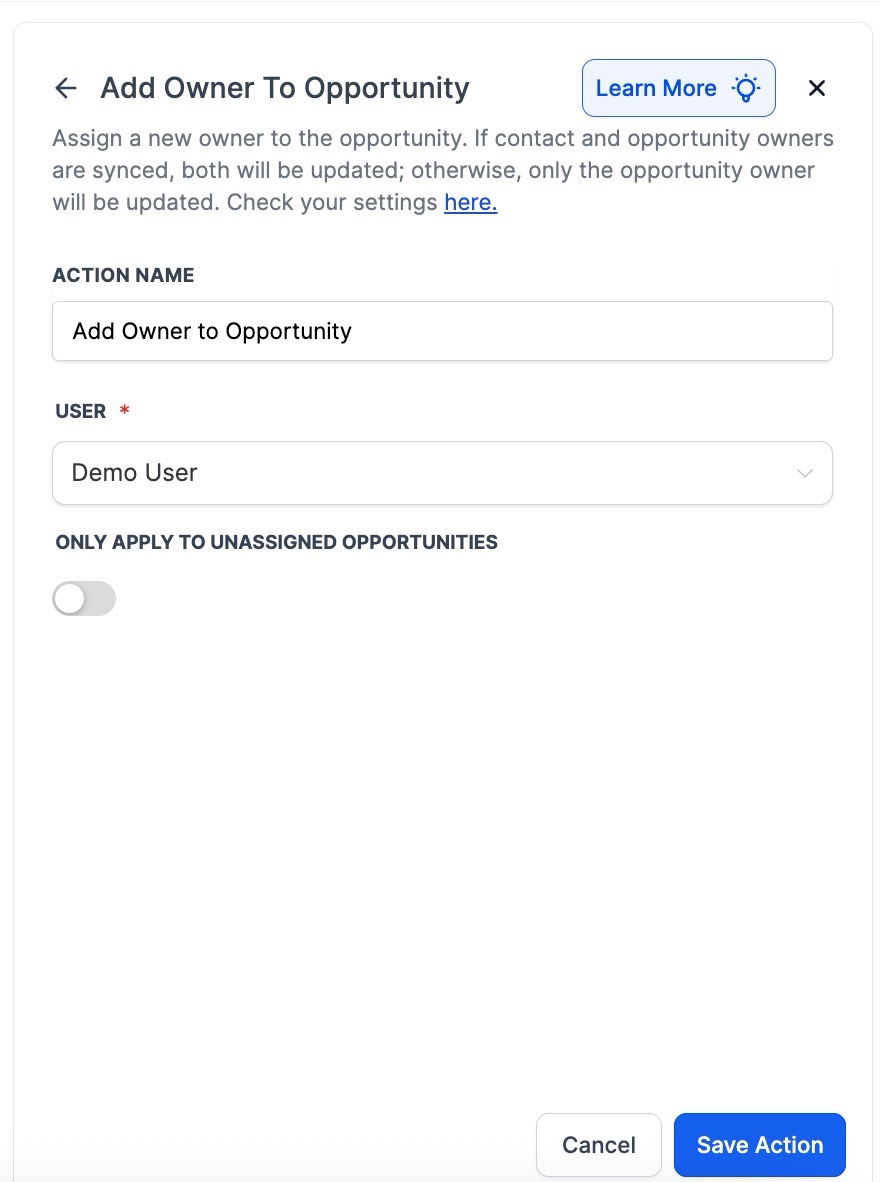
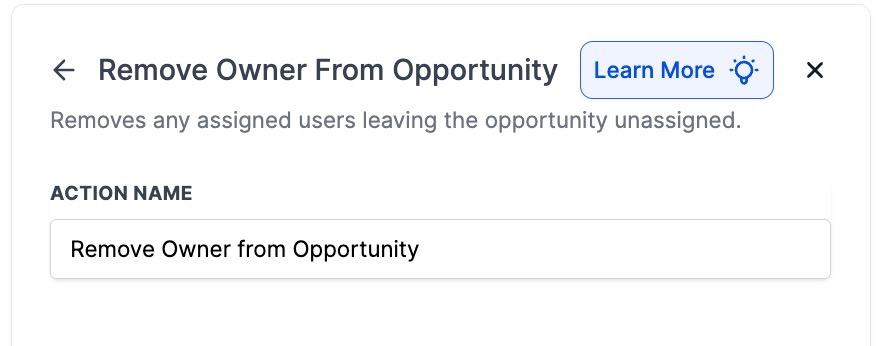
4. “Add Owner to Opportunity” & “Remove Owner from Opportunity”
- Benefit : Precisely assign or remove ownership of an opportunity, with optional syncing to the contact owner.
- Use Case : This is crucial for ensuring the correct sales representatives are responsible for follow-up actions. It also enables you to free up opportunities for reassignment as needed.
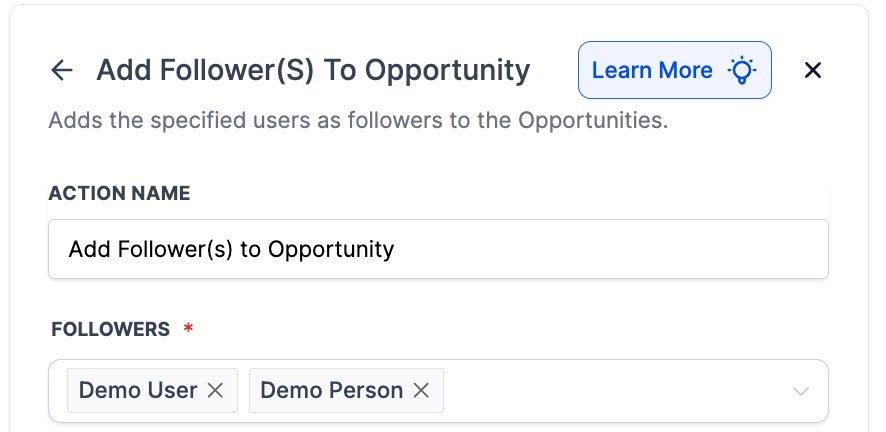
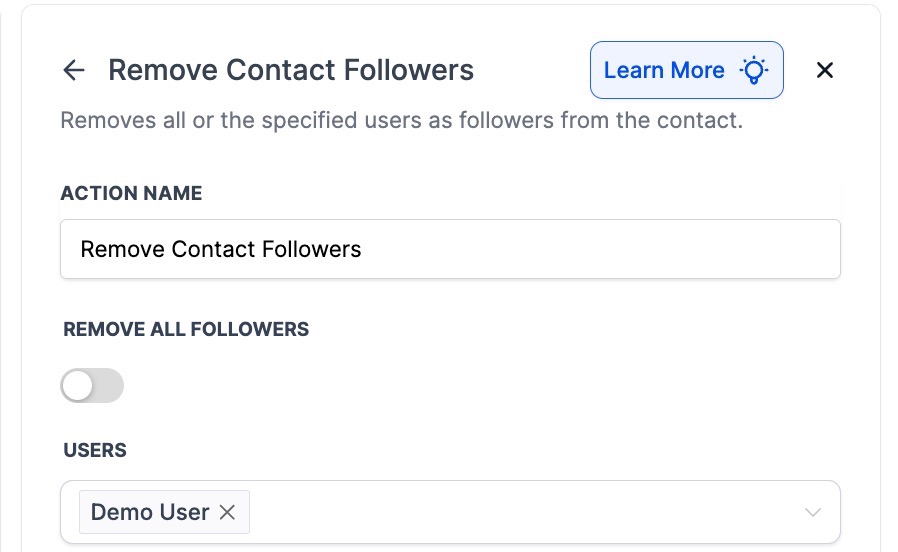
5. “Add Follower(s) to Opportunity” & “Remove Follower(s) from Opportunity”**
**
- Benefit : Control who receives updates about an opportunity’s progress, without creating duplicates or unnecessary notifications.
- Use Case : You can easily keep the right stakeholders informed or clean up unnecessary followers to avoid clutter in your notifications.
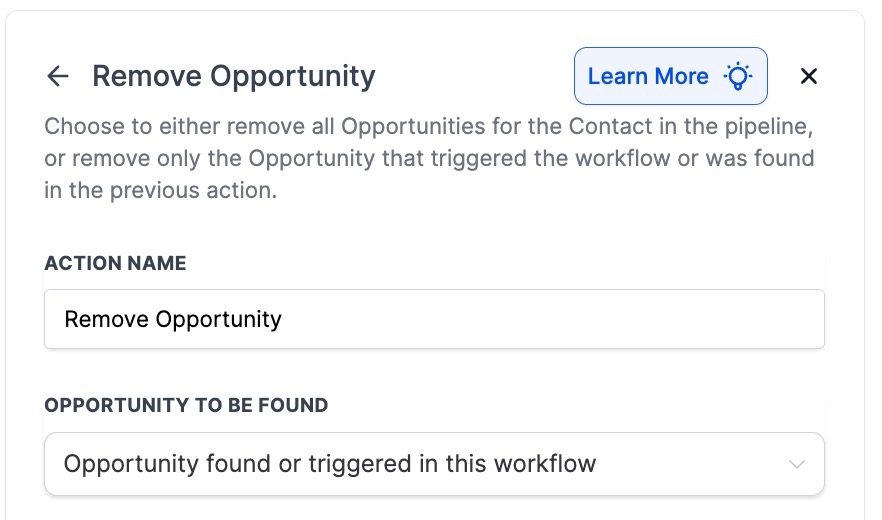
6. “Remove Opportunity”**
**
- Benefit : You can remove the opportunity that triggered the workflow or an opportunity found in a prior step, in addition to removing all opportunities in a pipeline.
- Use Case : This allows for a more targeted cleanup of irrelevant or canceled opportunities, ensuring your pipeline stays organized.
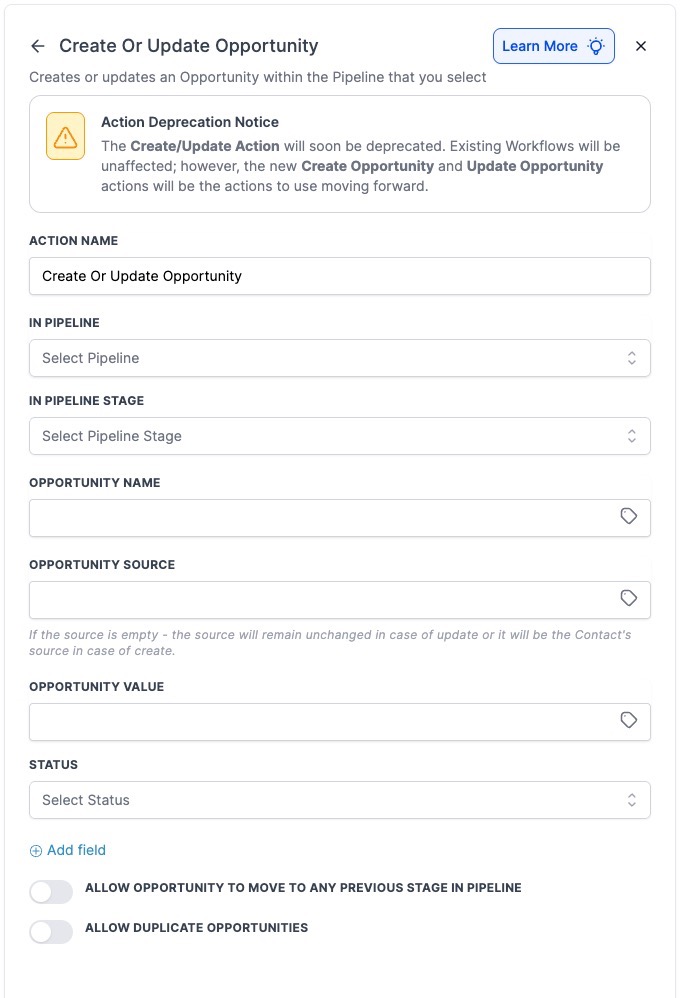
7. Deprecation Notice for “Create or Update Opportunity”
Please note: These actions will now work as two separate actions. They are not being wiped from workflows.**
**
- Benefit : The separation of the “Create Opportunity” and “Update Opportunity” actions offers more granular control.
- Use Case : Transitioning to the dedicated actions for creating and updating opportunities allows for improved functionality and ensures compatibility with future sales workflow enhancements.
¶ How to Use These Workflow Actions
Implementing these new features into your workflow is straightforward. Follow these easy steps:
1. Add the Desired Action to Your Workflow**
**Navigate to Automations on the left → Workflows at the top and Create a Workflow or edit an existing one.
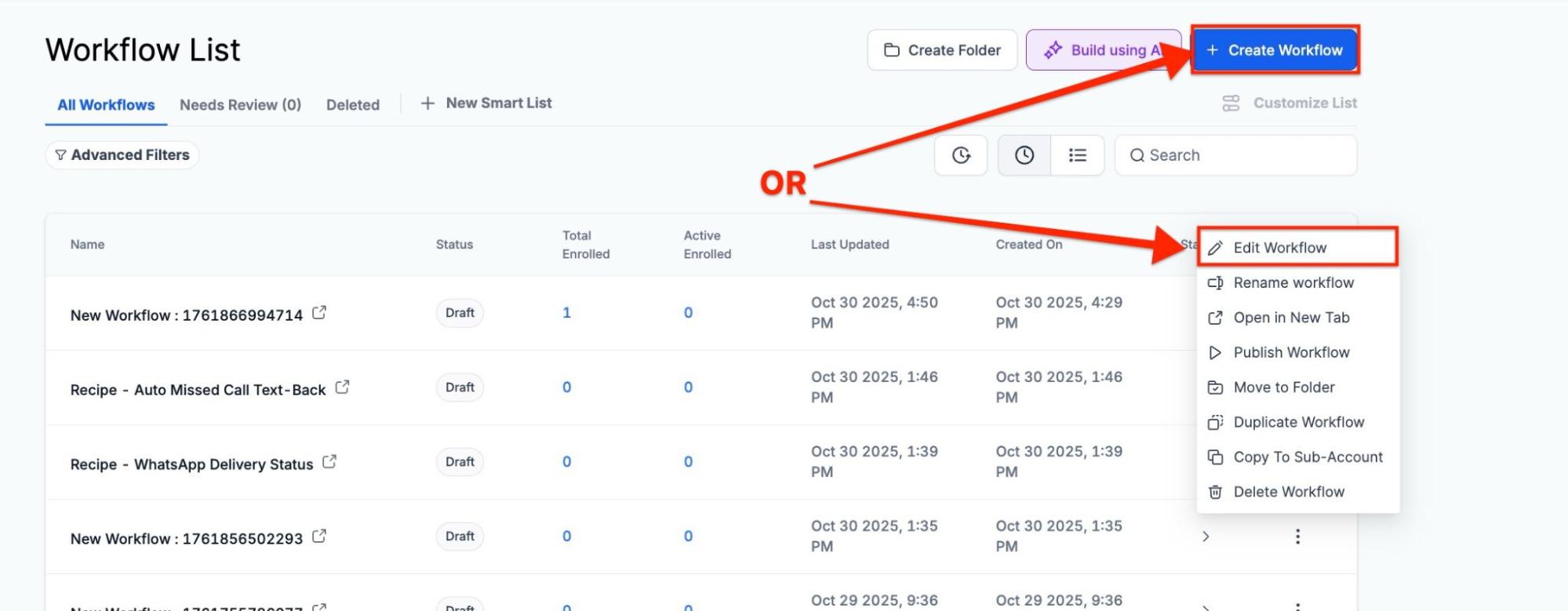
Select the step where you want to manage opportunities.
2. Choose the Appropriate Action**
**Select the action you need, such as Find Opportunity, Create Opportunity, or Update Opportunity.
3. Configure Fields**
**
- For Create or Update, configure pipeline, stage, name, value, etc.
- For Add or Remove Owner/Follower, specify the users who will be assigned or removed.
- For Remove Opportunity, decide whether to remove one specific opportunity or all opportunities in a pipeline.
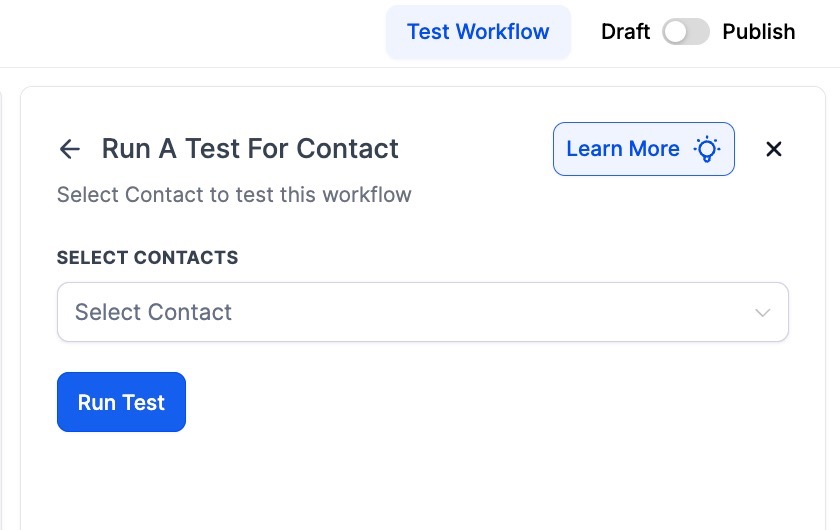
4. Save & Test**
**After setting everything up, run a test contact or lead through your workflow to ensure everything works as intended.
¶ Pro Tips
- Use Filters for Accuracy : When updating opportunities, use filters to make sure you’re modifying the correct opportunities. This minimizes the risk of errors, especially in large sales pipelines.
- Regularly Review Pipeline Cleanup : Automating opportunity removal, especially for canceled or lost deals, ensures your pipeline remains accurate and up-to-date. It’s good practice to review your cleanup actions periodically to ensure optimal performance.
- Sync with Contact Owners : When adding or removing owners from opportunities, consider syncing with the contact owner to ensure a smooth handoff process.
¶ FAQs
Question: How can I avoid overwriting important information when updating an opportunity?**
**Answer: When using the Update Opportunity action, always double-check the filters and fields you are modifying. Be sure to set precise conditions to avoid accidental changes.
Question: Can I remove multiple opportunities at once?**
**Answer: Yes, the Remove Opportunity action allows you to remove all opportunities within a pipeline or a specific opportunity triggered by the workflow.
Question: What happens if I remove an owner from an opportunity?**
**Answer: Removing an owner will free up the opportunity for reassignment. If synced, the contact owner will also be updated accordingly.
Question: How do I use the Find Opportunity action effectively?**
**Answer: Use this action when you need to reference the earliest or latest opportunity associated with a contact. This is especially useful for workflows that need to make decisions based on a specific opportunity’s stage.
Question: Is there any limit to how many followers I can add to an opportunity?**
**Answer: You can add as many followers as needed, but remember to remove unnecessary followers to avoid notification overload.
Question: How can I ensure my pipeline stays organized automatically?**
**Answer: Use Remove Opportunity actions for canceled or irrelevant deals, and regularly review your cleanup workflows to maintain an accurate and up-to-date pipeline.
Question: What is happening to the old “Create or Update Opportunity” action?
Answer: This action is being deprecated and separated into two dedicated actions: “Create Opportunity” and “Update Opportunity.” While the old combined actions are not being wiped from your existing workflows, transitioning to the separate actions allows for more granular control and ensures compatibility with future enhancements.
Question: What happens if a workflow tries to “Update” an opportunity that doesn’t exist?
Answer: If the system cannot find a matching opportunity to update, that specific step will be skipped, and the contact will move to the next action in the sequence. You can use the “Find Opportunity” action first to ensure a record is located.
Question: How do I ensure a smooth handover between the person who owns the contact and the person who owns the opportunity?
Answer: When using the Add Owner to Opportunity action, you can choose to sync the opportunity owner with the contact owner. This ensures that the representative already familiar with the lead remains responsible for the specific deal.
Question: Is it possible to clear an opportunity’s ownership if a lead is canceled?
Answer: Yes. You can use the Remove Owner from Opportunity action to free up the record for reassignment or to simply clear the representative’s responsibility for that specific deal.