Managing and monitoring reviews across multiple platforms can be challenging, especially when trying to keep track of your reputation in one central place. This guide is designed to help you troubleshoot common issues encountered when integrating various review platforms into your account. It provides step-by-step solutions to ensure smooth integration and streamlined management of your reviews.
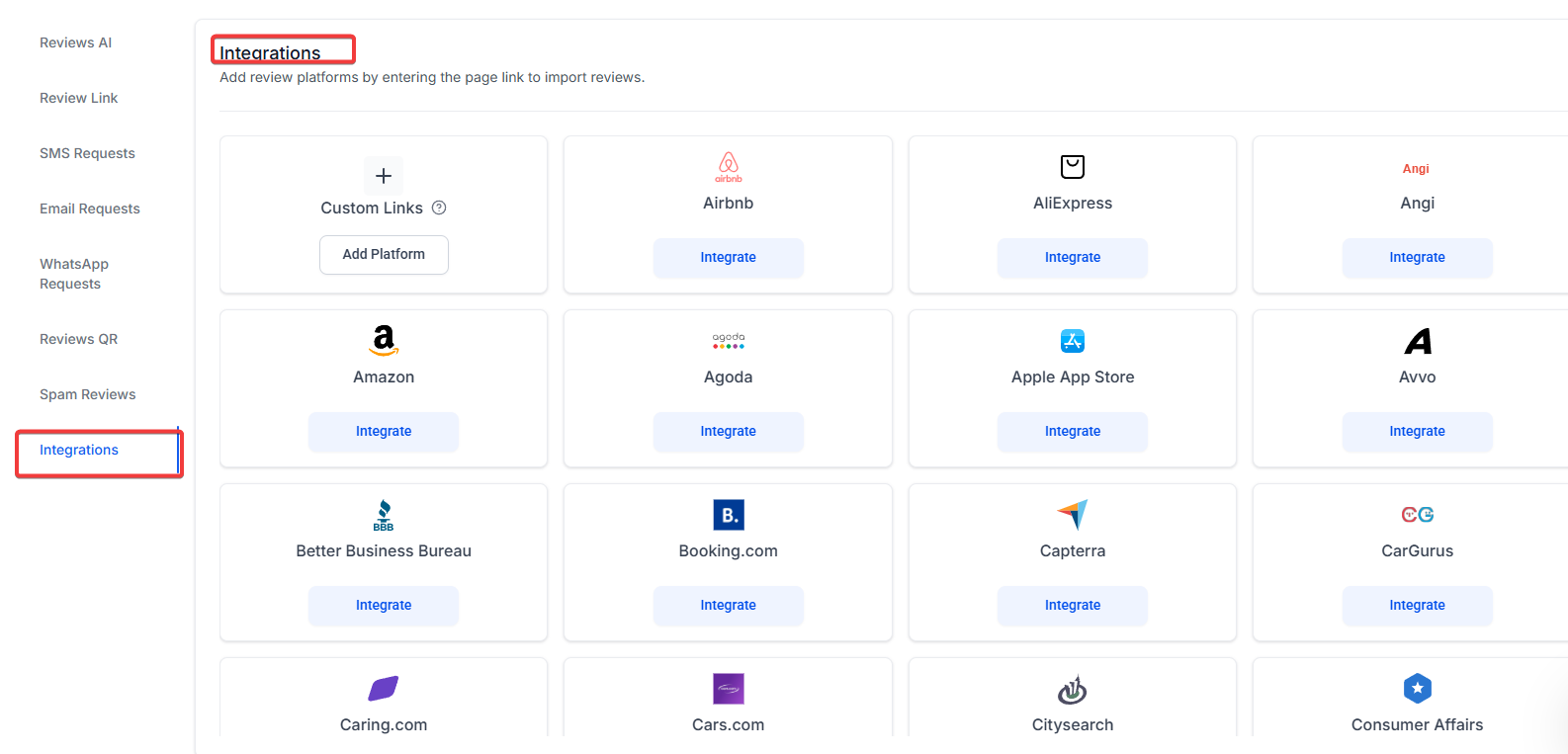
Question: I can’t find the review platform I’m trying to integrate. What should I do?**
**Answer: If you’re unable to find a specific review platform in the integration section, here’s what you can do:
1. Check the List of Supported Platforms :
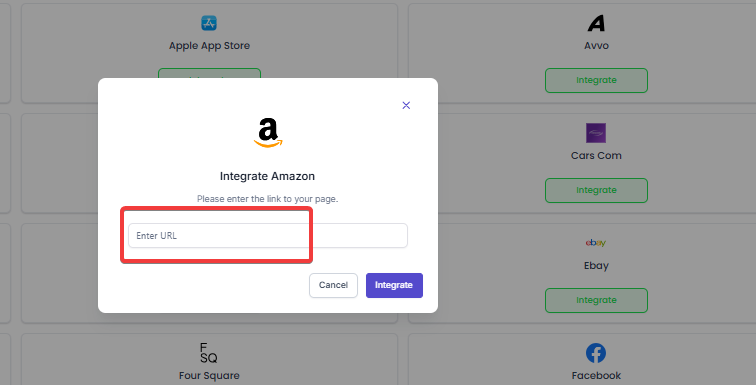
2. Verify the Platform’s URL :
3. Check for Updates :
Fix : If the platform is not supported, contact support to inquire if it will be integrated soon.
Question: My reviews aren’t fetching after entering the review platform URL. How can I fix this?
**Answer: **If reviews aren’t appearing after you’ve entered the URL and clicked Fetch Reviews like shown below
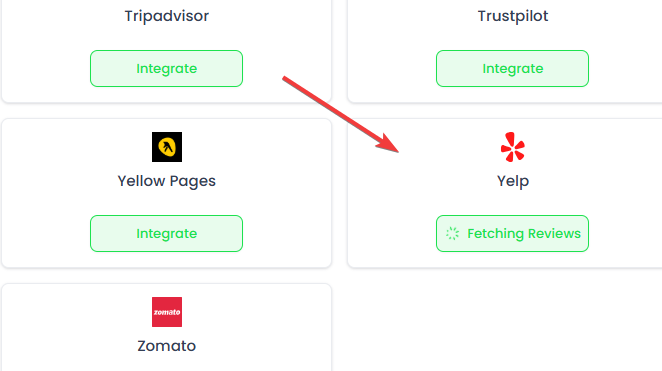
follow these steps:
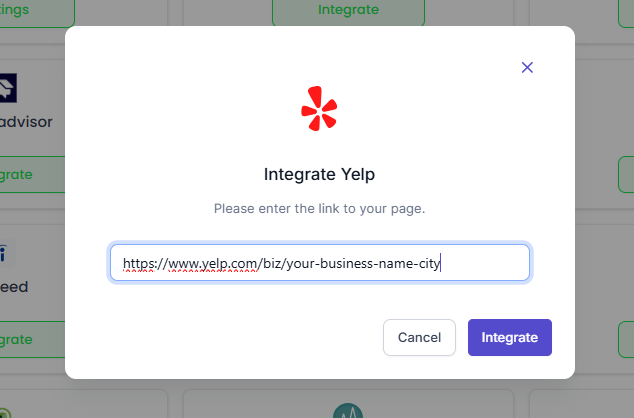
1. Verify the URL :
2. Permissions Check :
3. Clear Cache :
4. Retry Fetching Reviews :
Fix : If the issue persists, reach out to customer support for assistance.
Question: I received an error message stating “URL Not Recognized” while trying to integrate. What’s causing this?
**Answer: **The error “URL Not Recognized” typically happens if the URL entered doesn’t match the expected format or isn’t associated with the correct platform.
Check the URL Format :
Review Platform-Specific Requirements :
Try a Different Browser :
Fix : Ensure the URL is correct, and if the problem persists, contact support to resolve any integration issues.
Question: How do I ensure that all review platforms are integrated correctly for centralized management?
**Answer: **Follow these steps to confirm that your review platforms are successfully integrated and you’re able to manage them in one place:
1. Verify Integration in Settings :
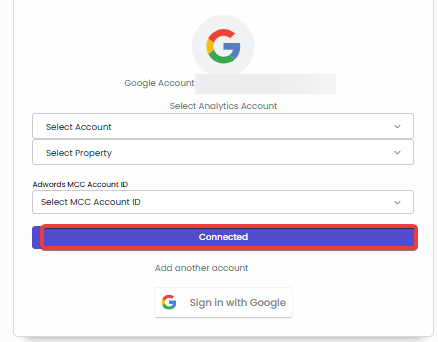
2. Confirm Review Fetching :
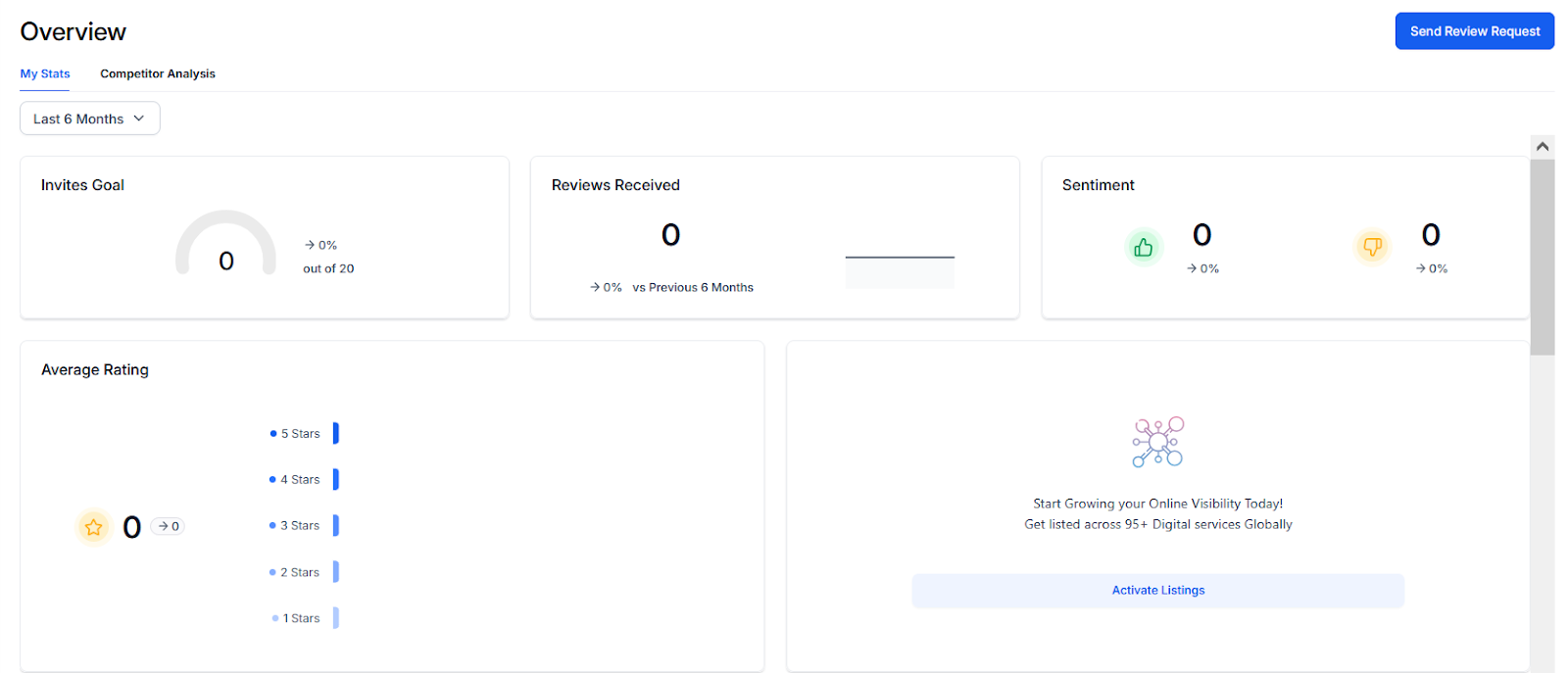
3. Test the Setup :
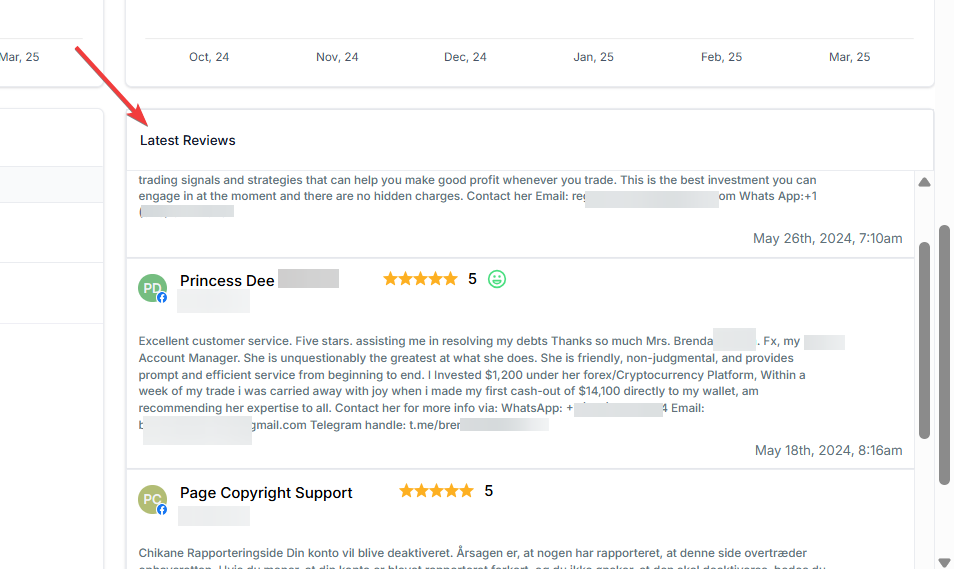
Fix : If a platform is missing, recheck the integration process or consult with support to resolve the issue.
Question: Can I integrate multiple review platforms at the same time?
**Answer: **Yes, you can integrate multiple review platforms simultaneously. Here’s how to manage them efficiently:
Integrate Each Platform :
Centralized View :
Filter by Platform :
Fix : If reviews from certain platforms aren’t showing, ensure you have followed all the integration steps correctly and contact support for assistance.
Question: What is the best way to test if the integration is working for responses?
Answer: After integration, select a few recent reviews from different platforms in your dashboard. Test the setup by attempting to respond to them directly from the interface to ensure the communication loop is active.
Question: Could my browser be the reason my review URL isn’t being recognized?
Answer: Yes. If you receive a “URL Not Recognized” error, it may be a browser-specific issue. Try clearing your browser cache , refreshing the page, or switching to a different web browser to see if the URL is accepted.