This troubleshooting guide is designed to assist users in resolving issues with integrating Facebook lead ads with your system. It covers common problems such as missing leads, incorrect form mappings, and troubleshooting registration page leads. Follow the solutions below to ensure seamless integration and accurate lead tracking.
Question: Why do I see only old forms in my system, even though Facebook shows more recent leads?**
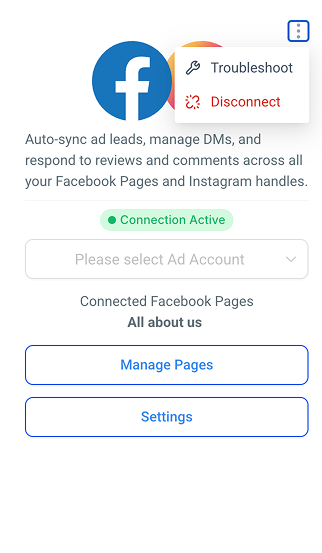
Answer:** The issue may arise from incorrect or outdated form mappings between Facebook and your account. To resolve this, follow these steps:
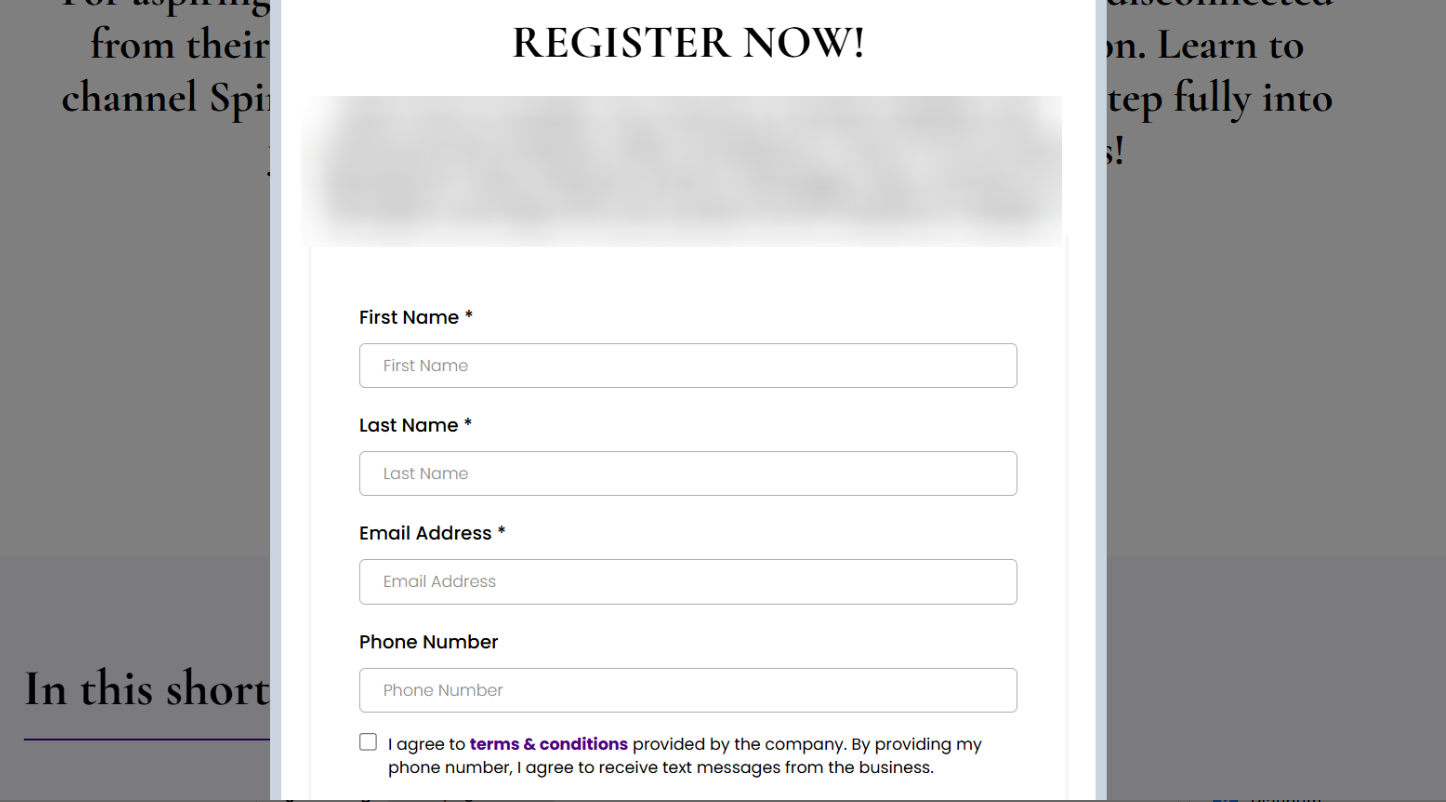
Question: I’ve verified my forms, but leads from my registration page are still not being counted. What should I do?**
**Answer: If leads from your registration page aren’t being counted, ensure that the forms are correctly mapped to the leads in the system:
Question: What should I do if my Facebook forms have been verified, but leads are still not being captured?**
**Answer: If the forms are verified but leads aren’t being captured, the issue could be with the settings in the Facebook integration:
Question: How can I resolve discrepancies between the leads on Facebook and my system?**
**Answer: To fix discrepancies, follow these steps:
Question: What should I do if my Facebook account has been compromised or I’ve changed my password, and now leads are not syncing correctly?**
**Answer: If your Facebook account gets compromised, locked out, or if you change your password, this can cause issues with the integration. To resolve this:
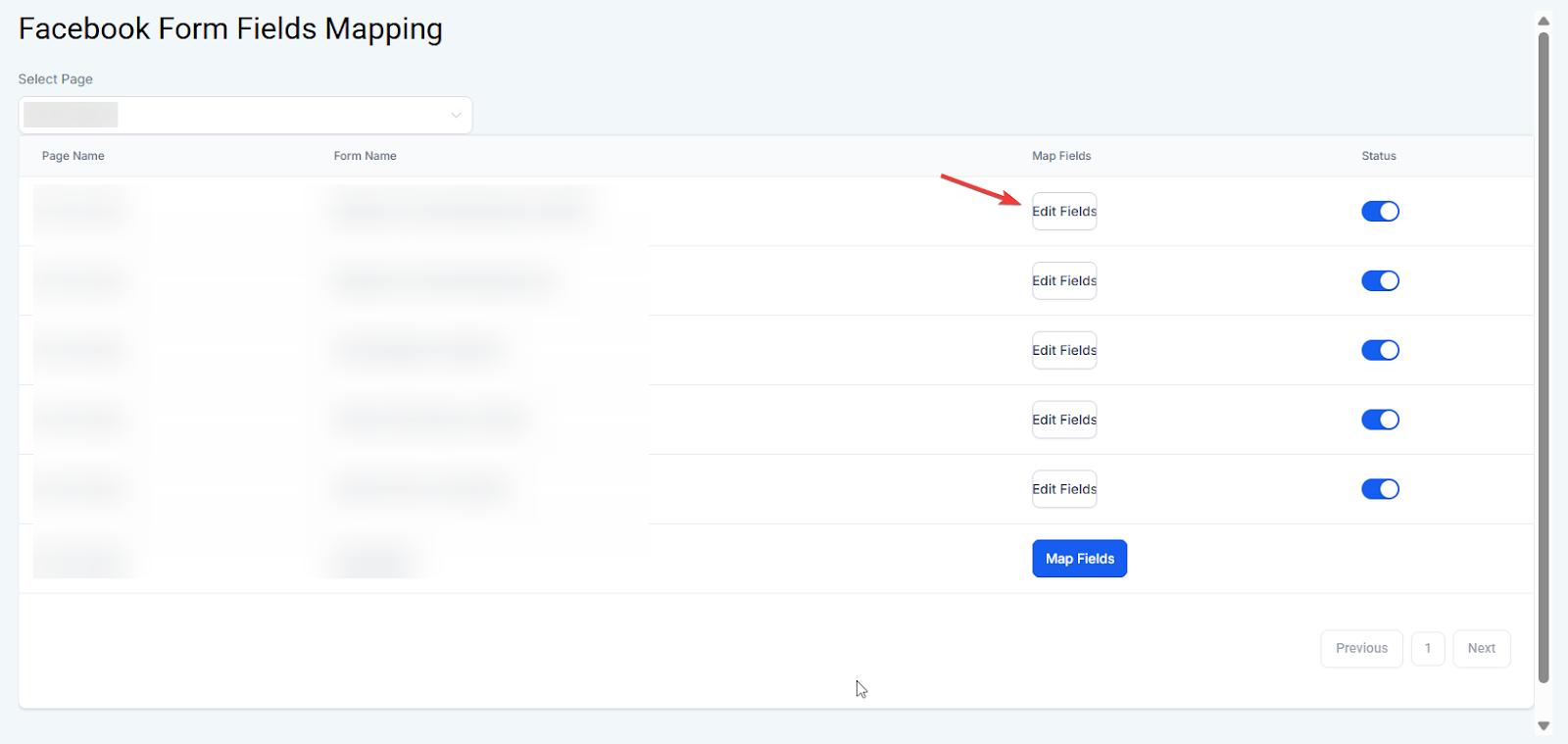
Question: How do I fix specific data fields that aren’t transferring correctly from Facebook?
Answer: You should manage this through the Facebook form field mapping section. By selecting Edit fields next to your specific form, you can manually pair Facebook’s data fields with the corresponding fields in your system to ensure data accuracy.