Seamless Ad Creation from WhatsApp & Social Planner
Creating high-performing ad campaigns no longer requires jumping between tools or platforms. With the introduction of inline ad creation breadcrumbs in messaging and social planning modules, marketers can launch ads directly from their daily workflows saving time, reducing friction, and boosting efficiency.
Whether you’re engaging leads through messaging apps or managing a robust social media calendar, these tools enable instant ad creation using pre-filled data from your existing content. This article covers the full functionality, how to use it, and answers common questions to help you make the most of these powerful enhancements.
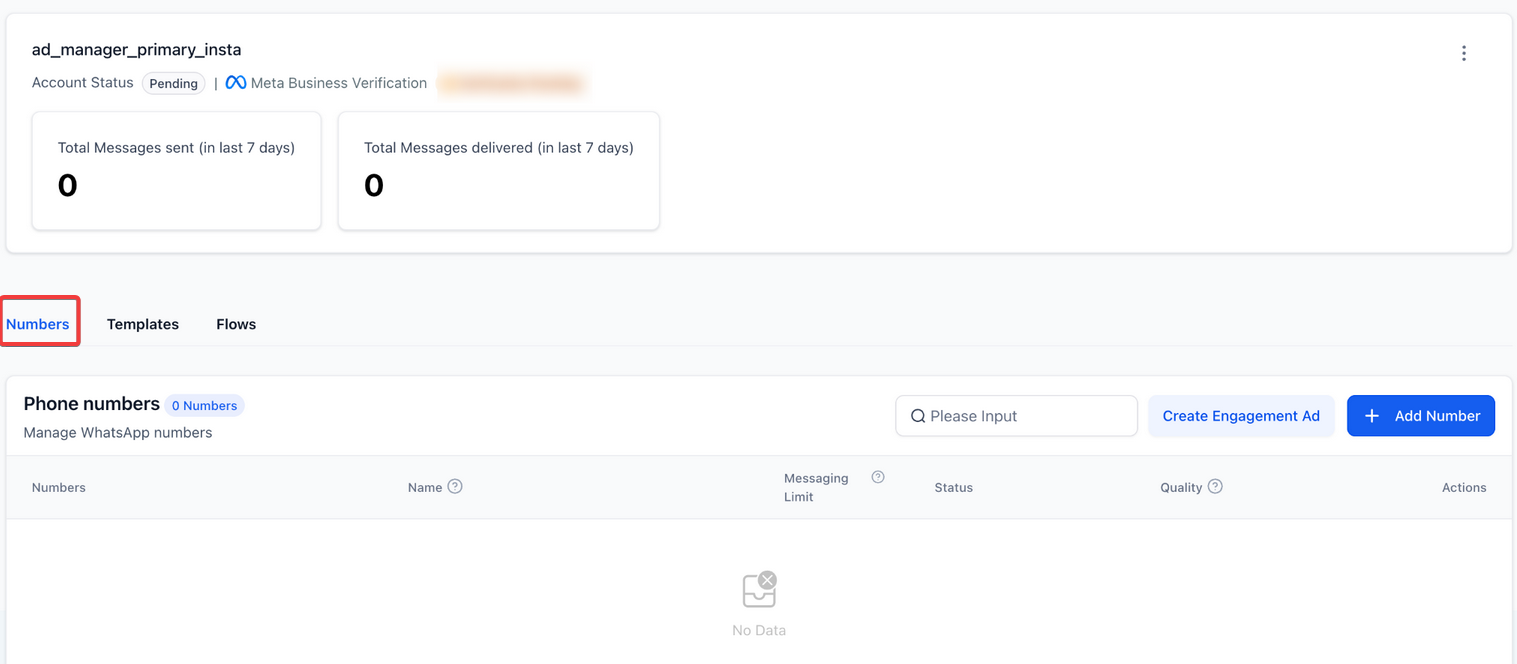
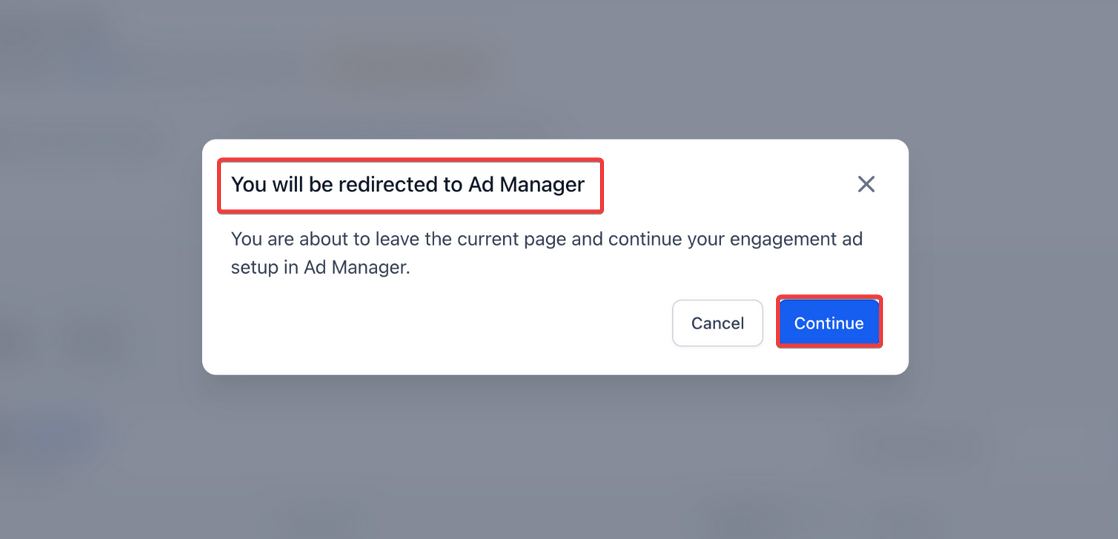
The campaign setup opens with:
Proceed to configure your:
Finalize and launch the ad.
Note: If Ad Manager is not yet activated, you will see a subscription prompt with upgrade options and feature highlights.
Available in multiple places for convenience:
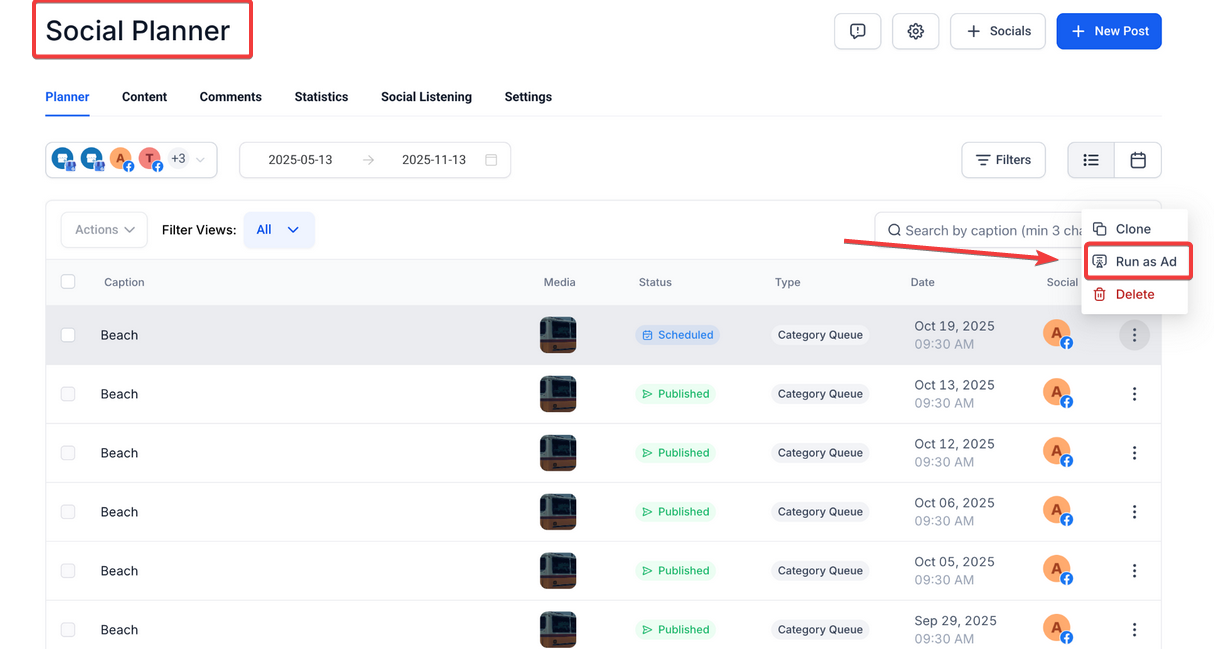
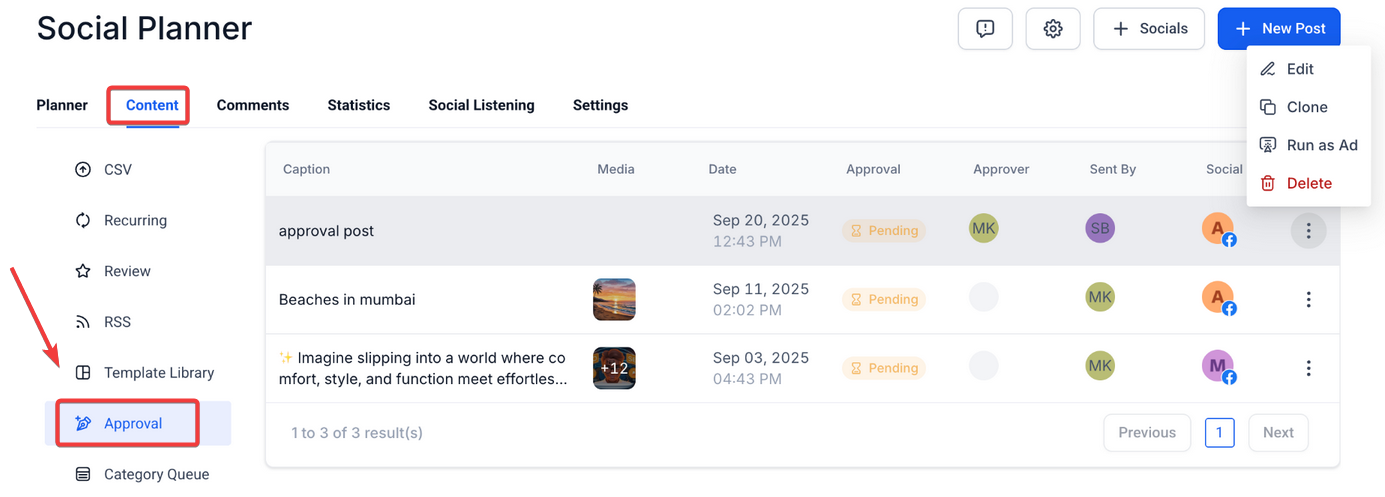
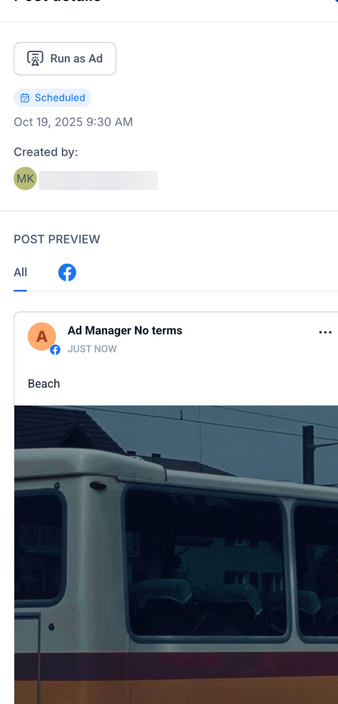
Supported Post Statuses :
Supported Platforms :
Flow :
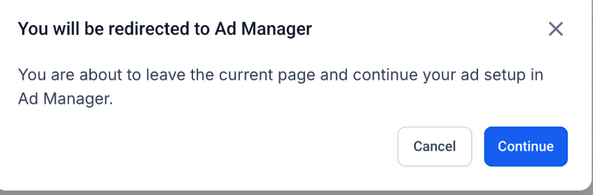
Question: What happens if I click “Create Engagement Ad” but don’t have Ad Manager enabled?****
Answer: You’ll see a subscription modal that outlines the benefits of activating Ad Manager and gives you the option to proceed with setup.
Question: Can I edit the ad content after it’s pre-filled?****
Answer: Yes. Even though captions and media are pulled from existing content, you can modify any part of the ad campaign before publishing.
Question: Are video posts supported in “Run as Ad”?****
Answer: Yes, video content is fully supported and will be included in the ad setup when selected from a Social Planner post.
Question: What types of campaigns are created using this feature?****
Answer: Currently, it defaults to Engagement campaigns with the respective platform (WhatsApp, Facebook, or Instagram) as the destination.
Question: Can I choose between ad platforms (Google or Meta)?****
Answer: Yes. Once in the Ad Manager interface, you can choose the platform you want to run the ad on, depending on your campaign goals.
Question: How does inline ad creation improve efficiency?**
Answer:** It reduces friction by embedding ad creation directly into your daily workflows, pre-filling campaign data, and eliminating the need to switch between tools, allowing faster ad launches.
Question: Does the ad creation process use existing post content?**
Answer:** Yes. Media and captions from the selected post are automatically pre-filled, though you can edit them before launching the campaign.
Question: What happens if my Social Planner post has multiple images (Carousel)? **
Answer:** The “Run as Ad” is designed to support the primary media of the post. For carousels, it will pull the images into the ad setup, but it is always recommended to review the ad preview in the Ad Manager to ensure the carousel format looks exactly how you want it on Facebook or Instagram.
Question: Does the system automatically choose my ad objective for me?
Answer: Yes. When launching from these specific breadcrumbs, the system defaults the objective to Engagement with the respective platform (WhatsApp, Facebook, or Instagram) set as the destination.