The Integration of Square allows businesses to connect their Square accounts directly, offering a seamless and efficient way to manage transactions, whether they are one-time payments or recurring subscriptions.
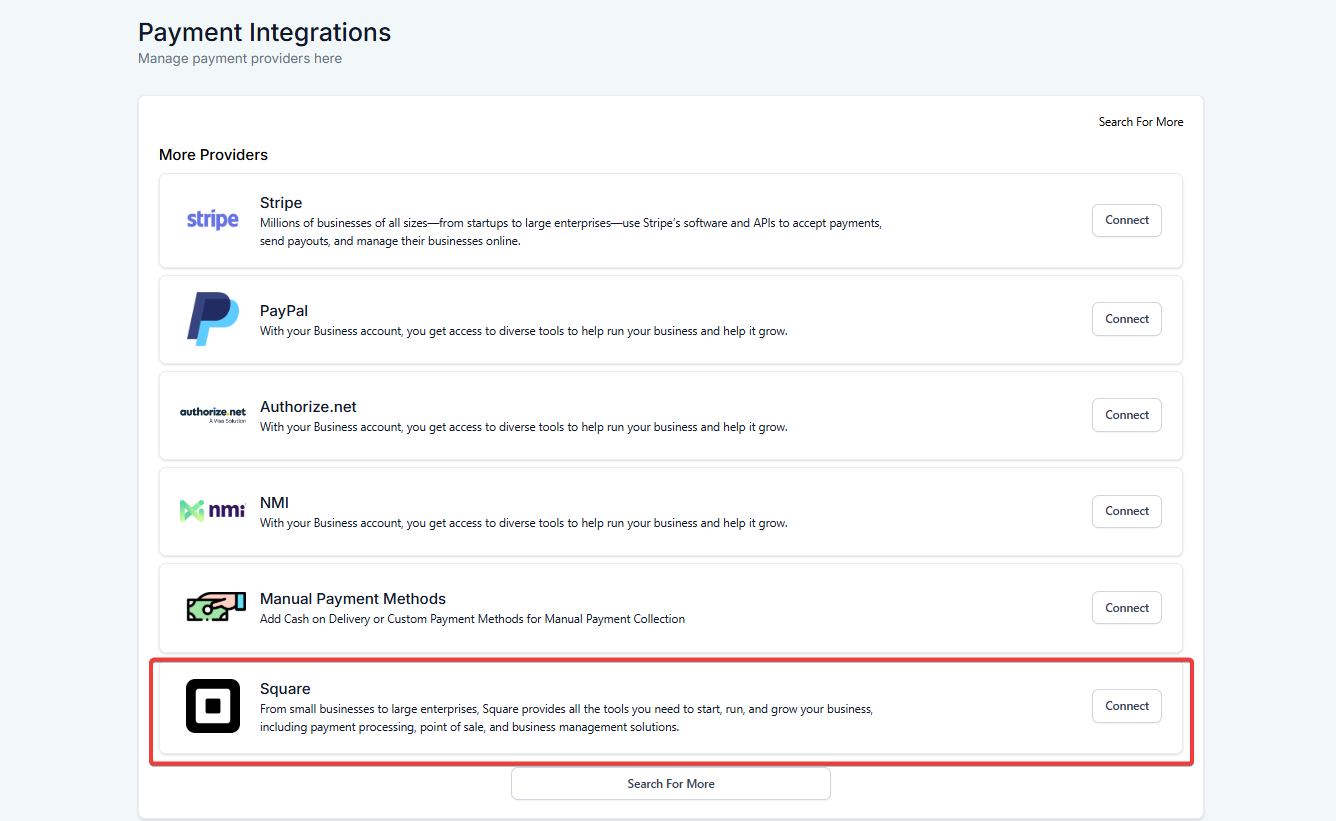
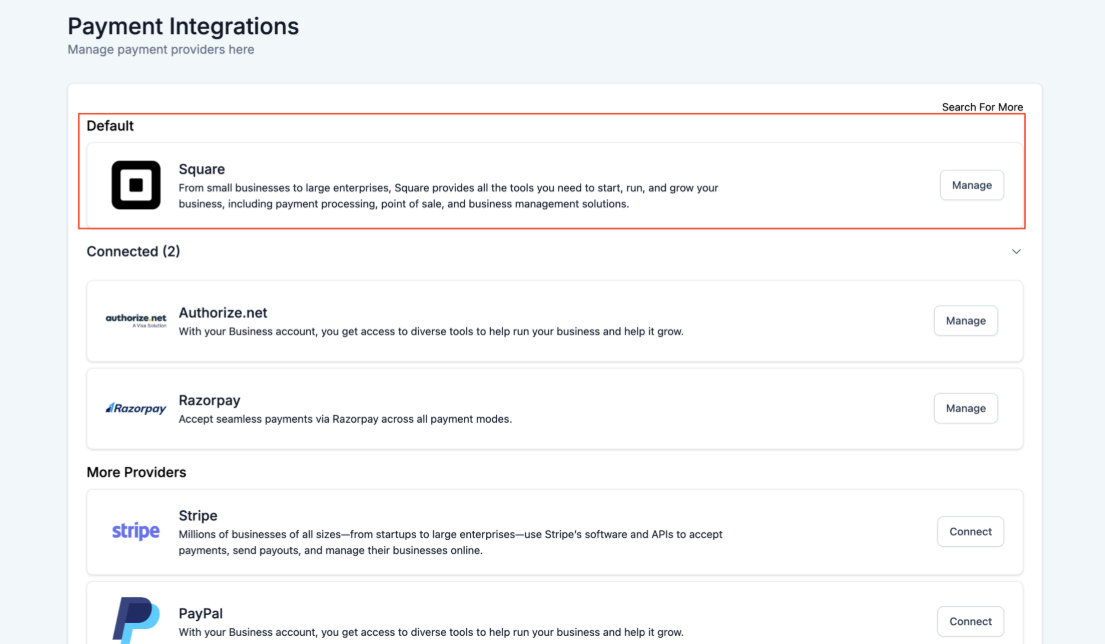
1. Navigate to Payments - > Integrations: Go to the Payments section and select Integrations.
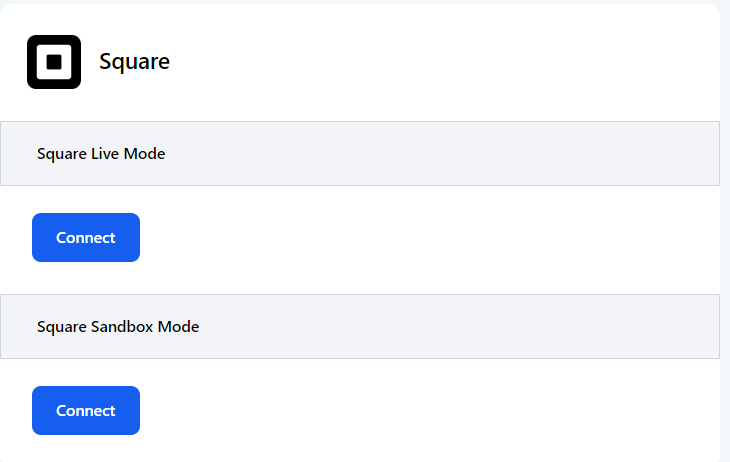
2. Connect Square : Click on the Square integration option and follow the prompts to enter your API keys. This will link your Square account to your LeadMagicX Platform.
Steps to Use:
1. Connect (for new users) or reconnect (for existing users) your Square account in the integrations section.
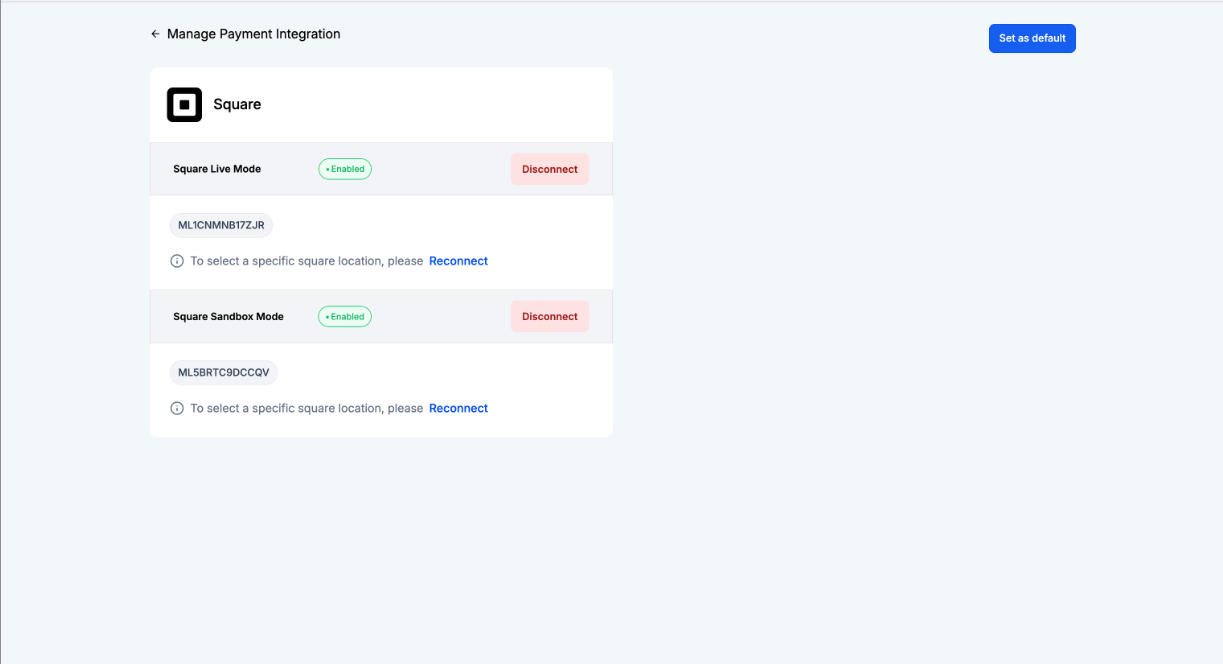
2. Review fetched physical locations from Square.
3. Select your LeadMagicX account.
.jpg)
4. Save changes to finalize.
Requirements & Limitations:
1. Go to Payments on the left - > Products on the top: Access the Products section.
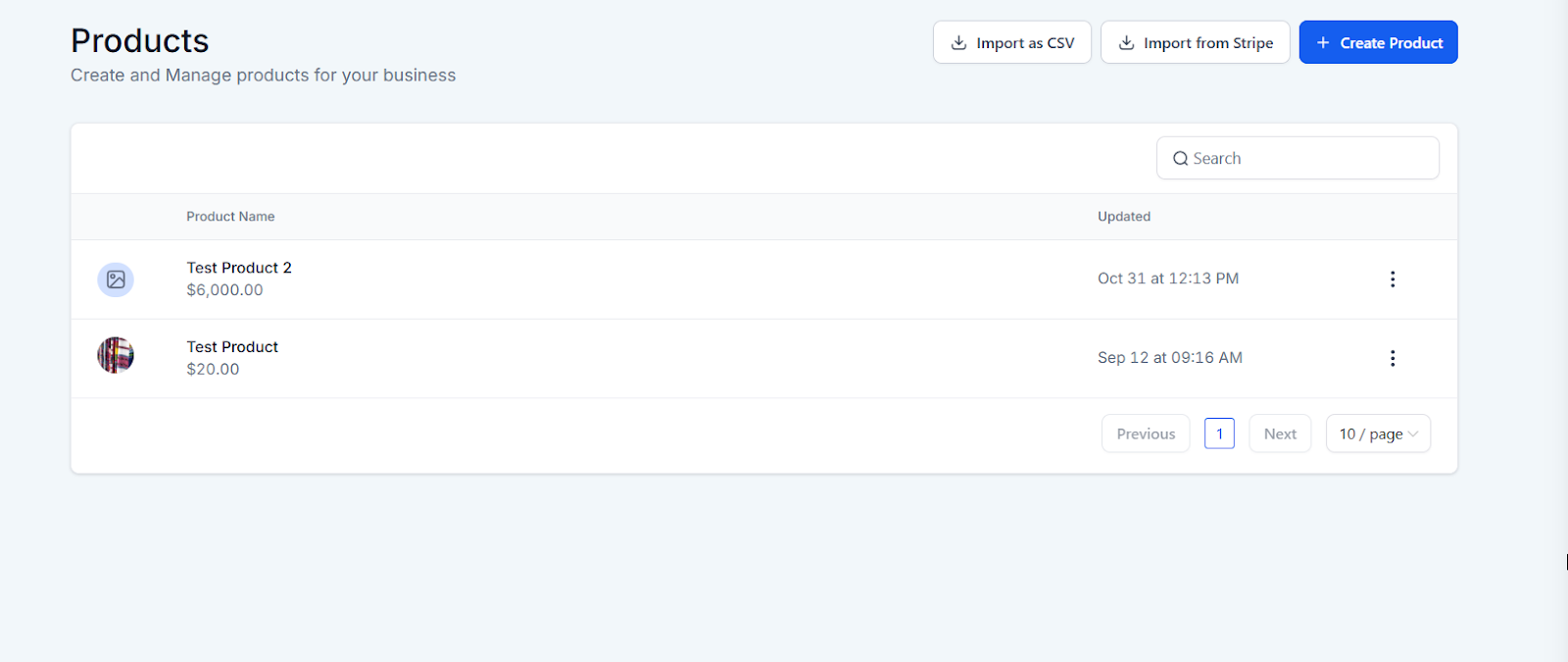
2. Set Up Products : Create and configure the products you want to offer, specifying whether they are for one-time payments or subscriptions.
3. Assign Payment Methods : Assign Square as the payment method for the products you have configured.
1. Use Across Features : Implement the configured Square payment options across order forms, invoices, online stores, forms, memberships, and payment links.
2. Save and Test : Save your settings and test the payment processes to ensure everything is working correctly.
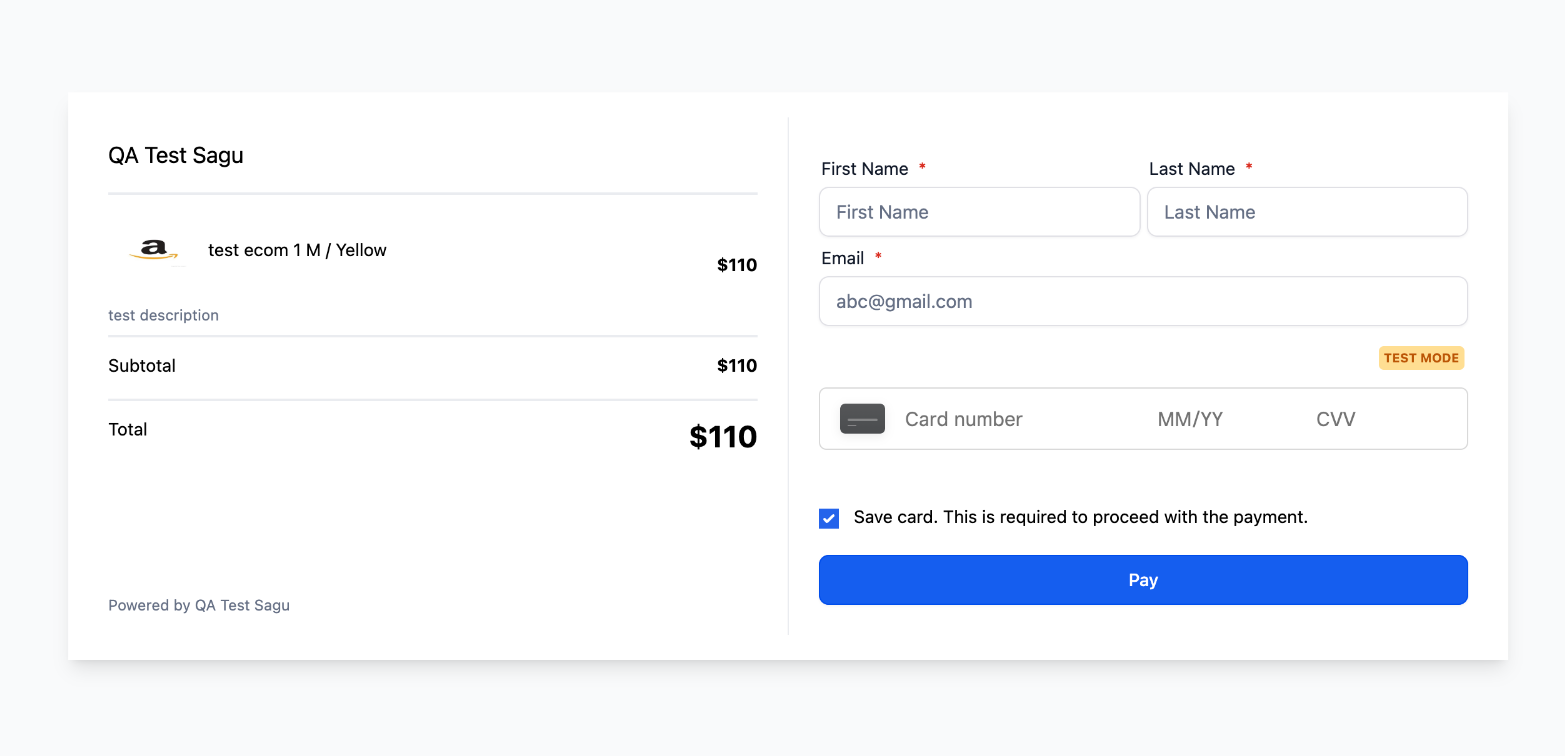 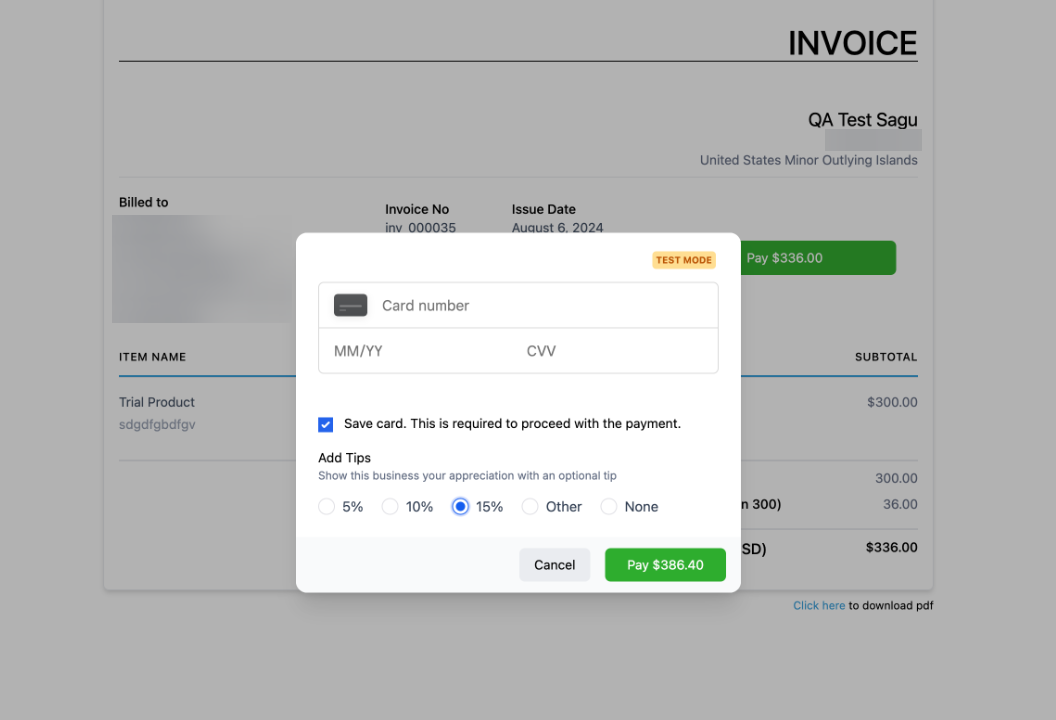 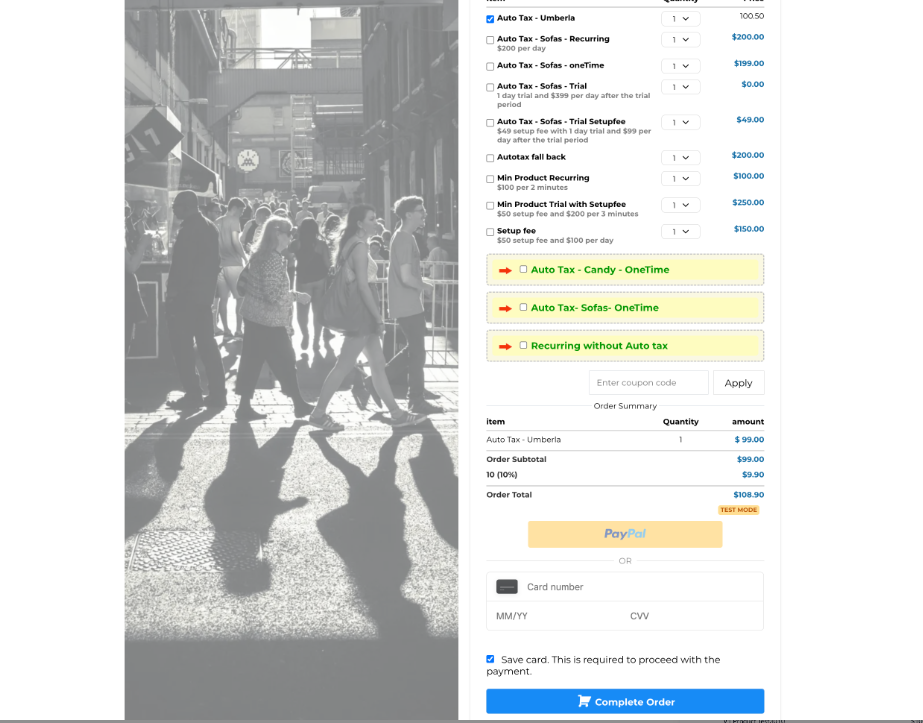 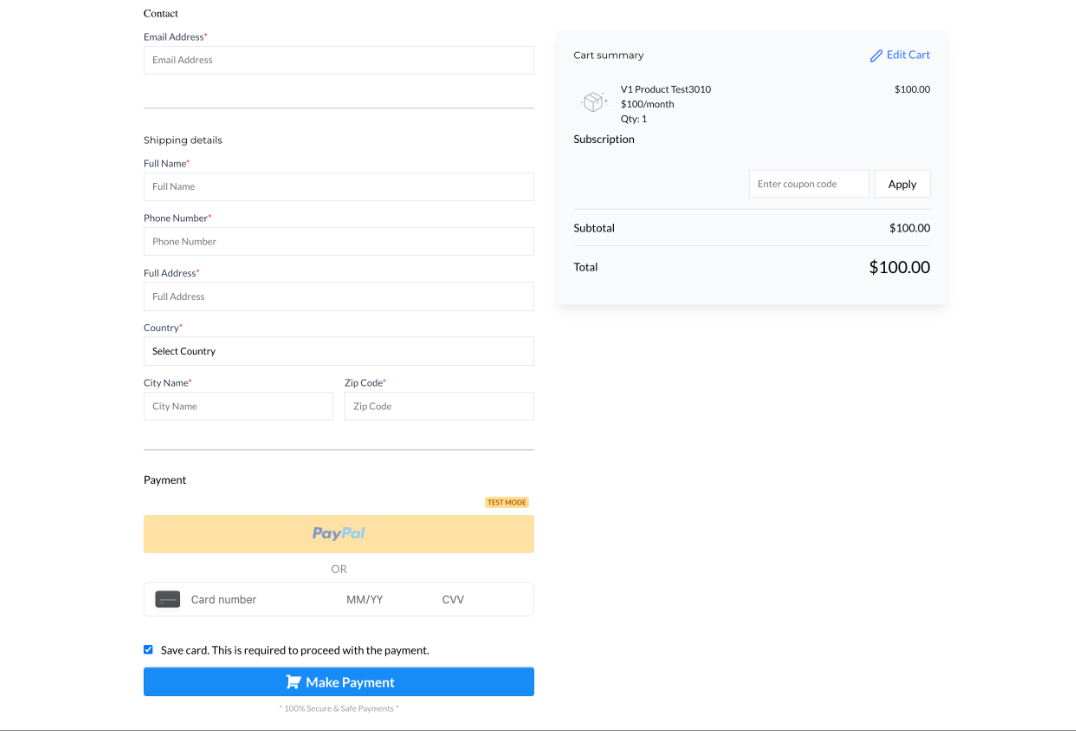 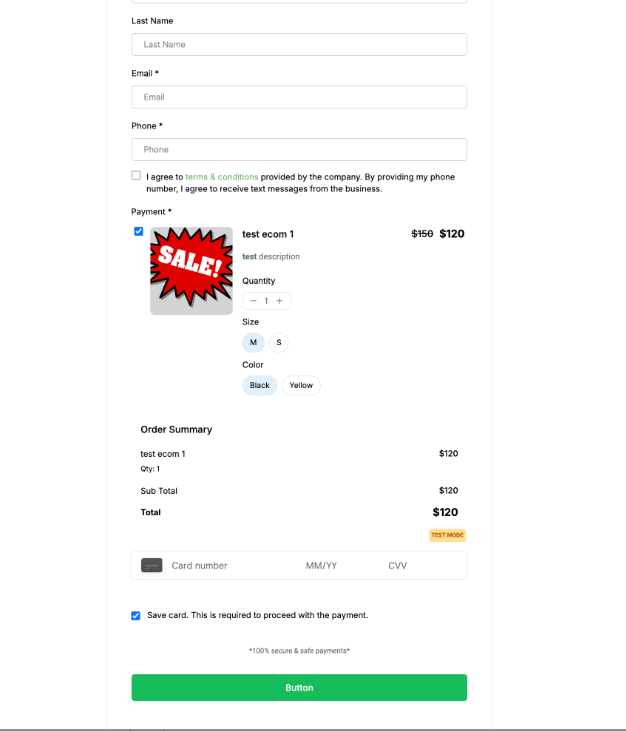
1. Track Payments : Go to Payments -> Orders and Transactions to monitor real-time payment activity.
2. Use Triggers : Utilize the available trigger functionalities to automate processes based on payment events.
Square is available as a payment integration in Calendars, providing businesses with another secure method to collect payments for bookings. This option complements other payment methods, helping businesses expand their global reach.
To use Square ,
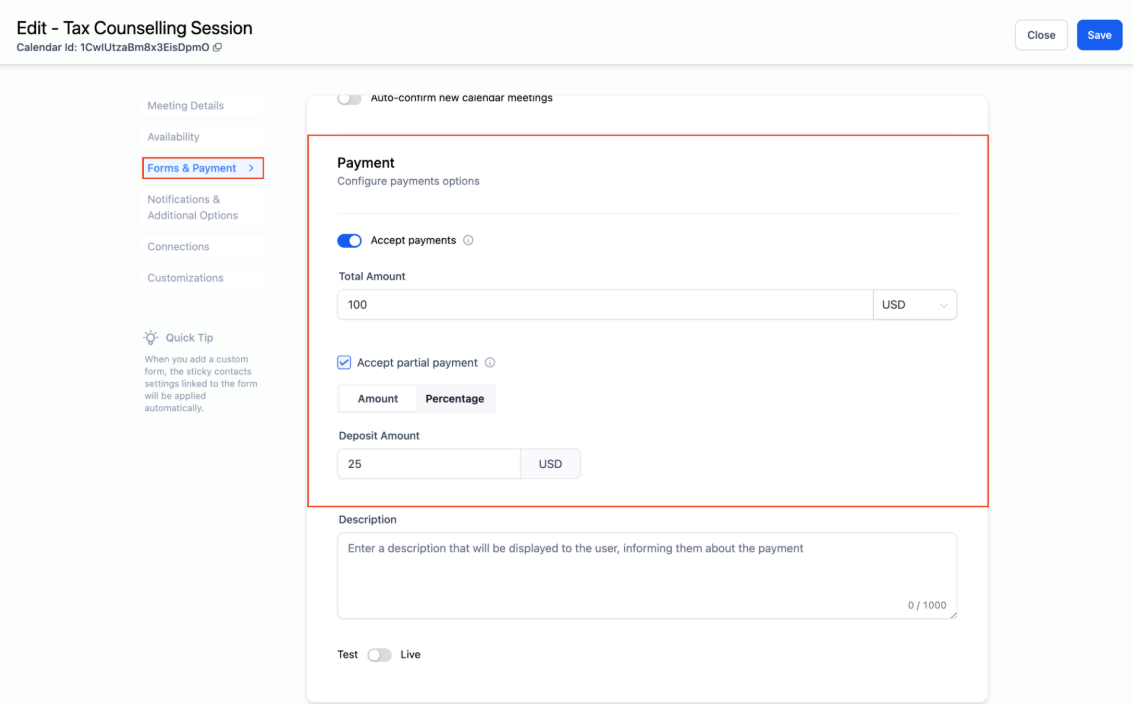 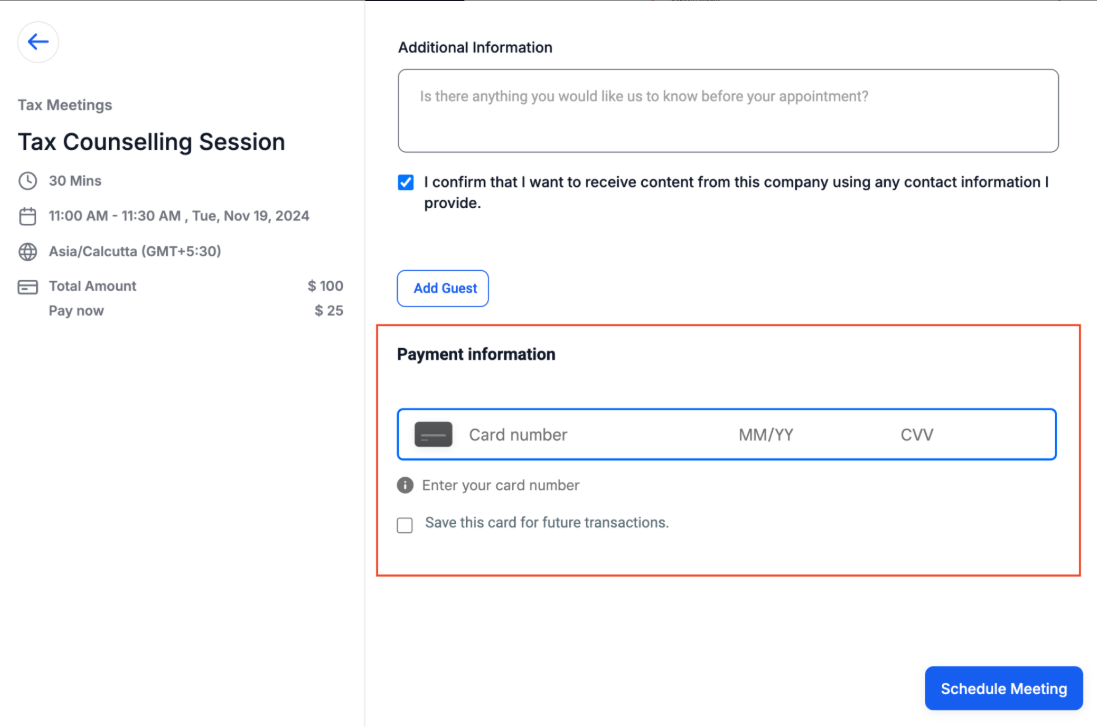
Note: You can use Square to collect payments for all calendar types. However, Square is not supported for the Classic Widget or Service menu.
Retail businesses can use Square to manage in-store and online payments, ensuring a consistent and reliable checkout experience across all sales channels.
Companies offering subscription-based services can use Square to handle recurring payments, making it easier to manage memberships and ongoing service fees.
E-commerce platforms can integrate Square for processing payments on product sales, with support for both one-time purchases and subscriptions.
Question: Can I use Square for both one-time and subscription payments?**
**Answer: Yes, you can configure Square to process both one-time payments and recurring subscriptions by setting up the respective products under Payments -> Products.
Question: How do I track payments made through Square?**
**Answer: Payments made through Square can be tracked in real-time under Payments -> Orders and Transactions, where you can also use existing trigger functionalities to automate processes.
Question: What if I don’t select a location?
Answer: A default physical location will be assigned but can be changed later.
Question: Can one LeadMagicX account have multiple locations?
Answer: No, only one location can be linked per LeadMagicX account.
Question: How do I ensure Square payments are set up properly for my products?**
**Answer: To set up Square payments for your products, navigate to Payments -> Products, create and configure the products, and assign Square as the payment method. Then, implement these payment options across various features such as order forms, invoices, online stores, and payment links. Make sure to test the payment processes to ensure everything functions correctly before going live.
Question: Can I switch my Square location after linking it?**
**Answer: Yes, you can update the location at any time by reconnecting Square and selecting a different physical location. Just remember that each LeadMagicX account can only be linked to one location at a time.
Question: What happens if I disconnect my Square account?
Answer: If you disconnect the integration, any active Order Forms or Payment Links using Square will stop functioning immediately. However, your transaction history will remain safe inside both your Square dashboard and the LeadMagicX payments history.