Using Membership Themes allows you to enhance your members’ experience while honing your brand identity. You can customize your product pages by section, and choose between handpicked, customized themes.
.jpg)
.jpg) .jpg)
If you wish to customize a specific section of the page, click on the Section in the sidebar editor on the left-hand side. Within the Section, you can see all the customization options.
.jpg)
.jpg) 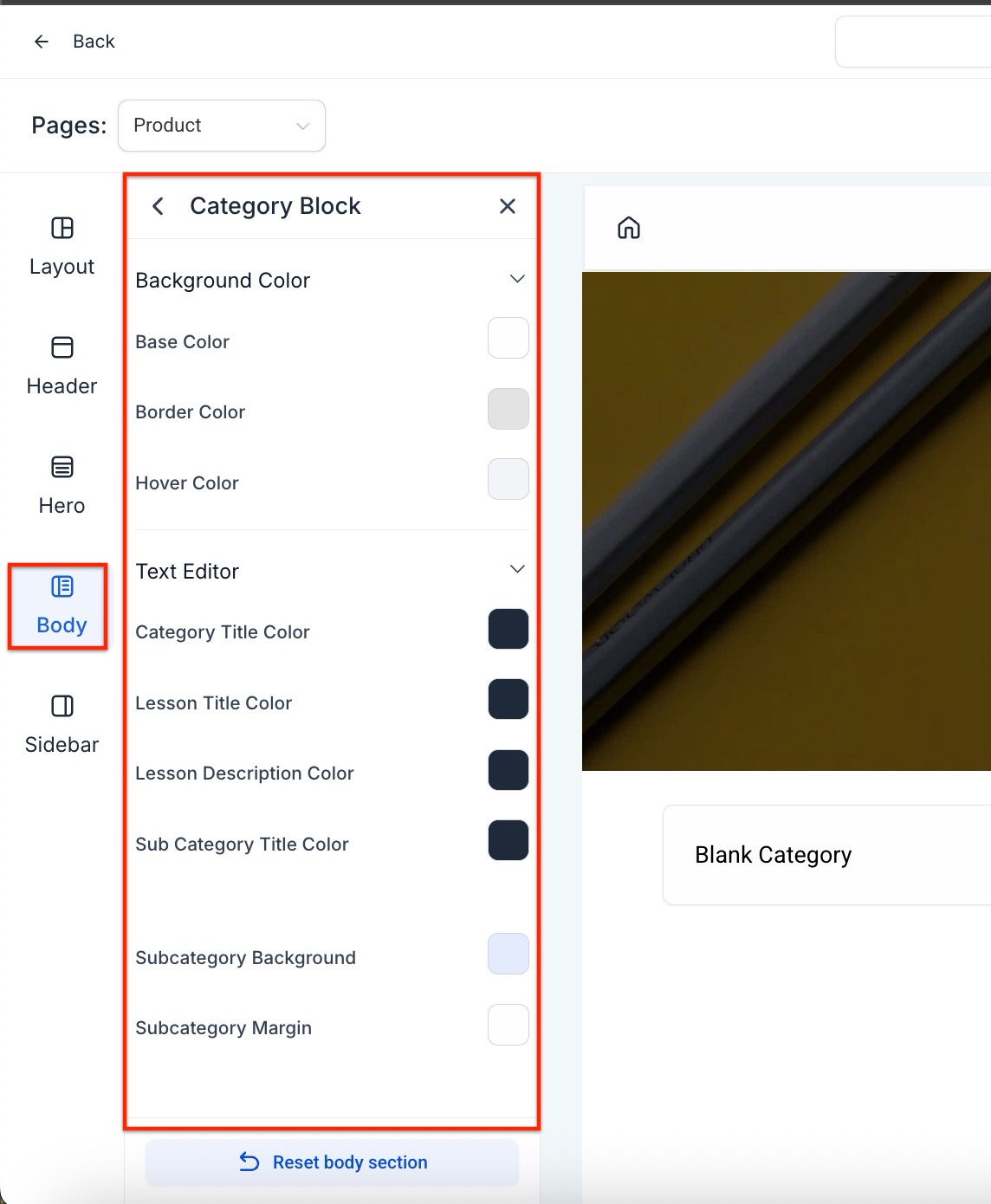
Keep in mind that if a section is customized after the theme setting is changed, the section customization will override the theme setting.
NOTE: If you click “Save Changes” then the changes will be reflected in the preview. “Reset to default” will change all settings back to the default values of the chosen theme.

NOTE: Here are a few notes about saving themes and customizations:
Question: What is the purpose of Membership Themes?**
**Answer: Membership Themes allow you to enhance your members’ experience and strengthen your brand identity by customizing product pages with handpicked, customizable themes.
Question: How do I choose a theme for my product?**
**Answer:
Question: What’s the difference between customizing a theme and customizing a section?**
****Answer: **Customizing a section overrides the general theme settings. For example, if you adjust a specific section’s background after changing the theme, that section’s customization will take precedence over the theme settings.
Question: How do I save and apply my customized theme?**
**Answer:
Question: What happens when I reset the theme?**
**Answer: Clicking “Reset to default” restores all settings to the default values of the selected theme, discarding any customizations made.
Question: Can I save a customized theme without applying it to a product?
Answer: Yes, you can save a theme as a draft without applying it. Later, you can apply it to a product when ready.
Question: If I update and save a theme for global use, will it automatically update my other products already using that theme?
Answer: No. Saving a theme for global use does not retroactively update other products that are already using that theme. The new changes will only be reflected when you apply that updated theme to a product moving forward.
Question: What happens if I delete a “Global Theme” I created?
Answer: Deleting a global template will remove it from your selection gallery for future products. However, any products currently using that theme will retain their look until you manually change or reset them.
Question: Can I use different themes for different products within the same account?
Answer: Absolutely. Each product (Course, Membership, etc.) can have its own unique theme. You might use the “Classic” theme for a basic mini-course and a “Custom Global Theme” for your high-ticket Mastermind to differentiate the value.