Membership products have an assessment type called assignments; these are also known as Offline Quizzes, Homework, Paragraph Quiz, and Subjective Quiz.
This Assignment type can be used to create offline Assignments, which allow course creators to upload a questionnaire with instructions and manually grade them. The student can write their answers in a paragraph area online or upload answer sheets.
Key Features:
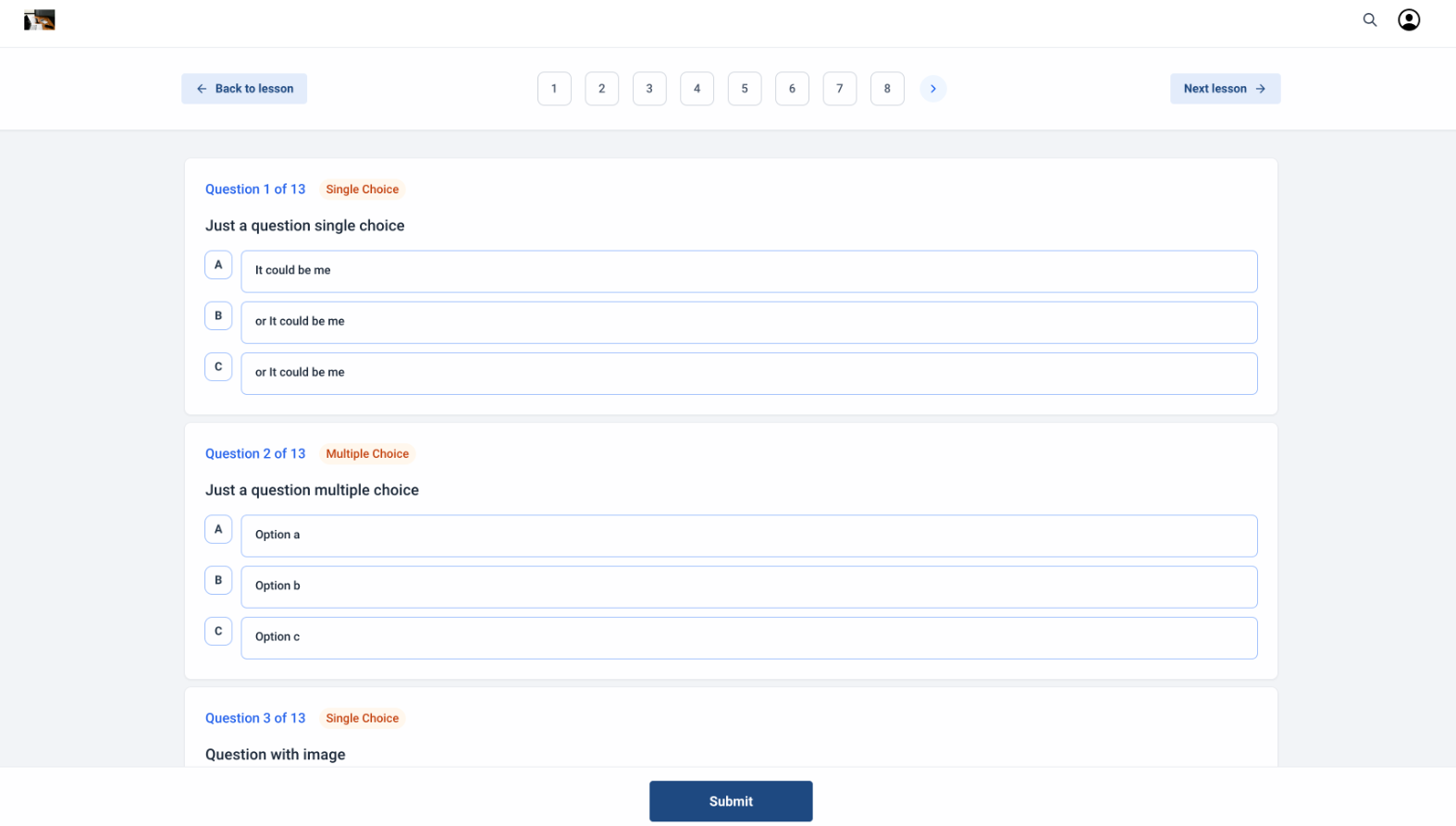
.jpg)
.jpg) 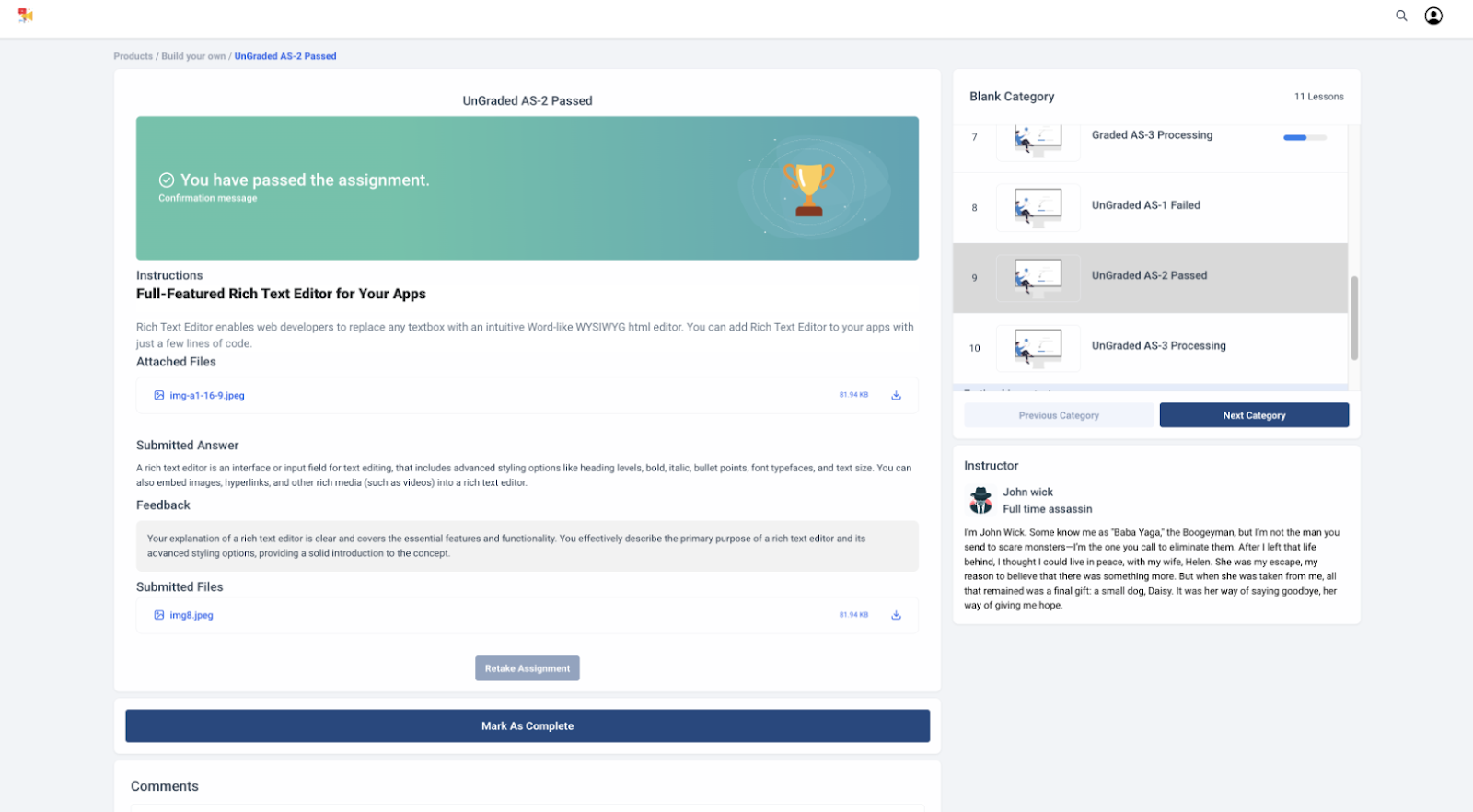
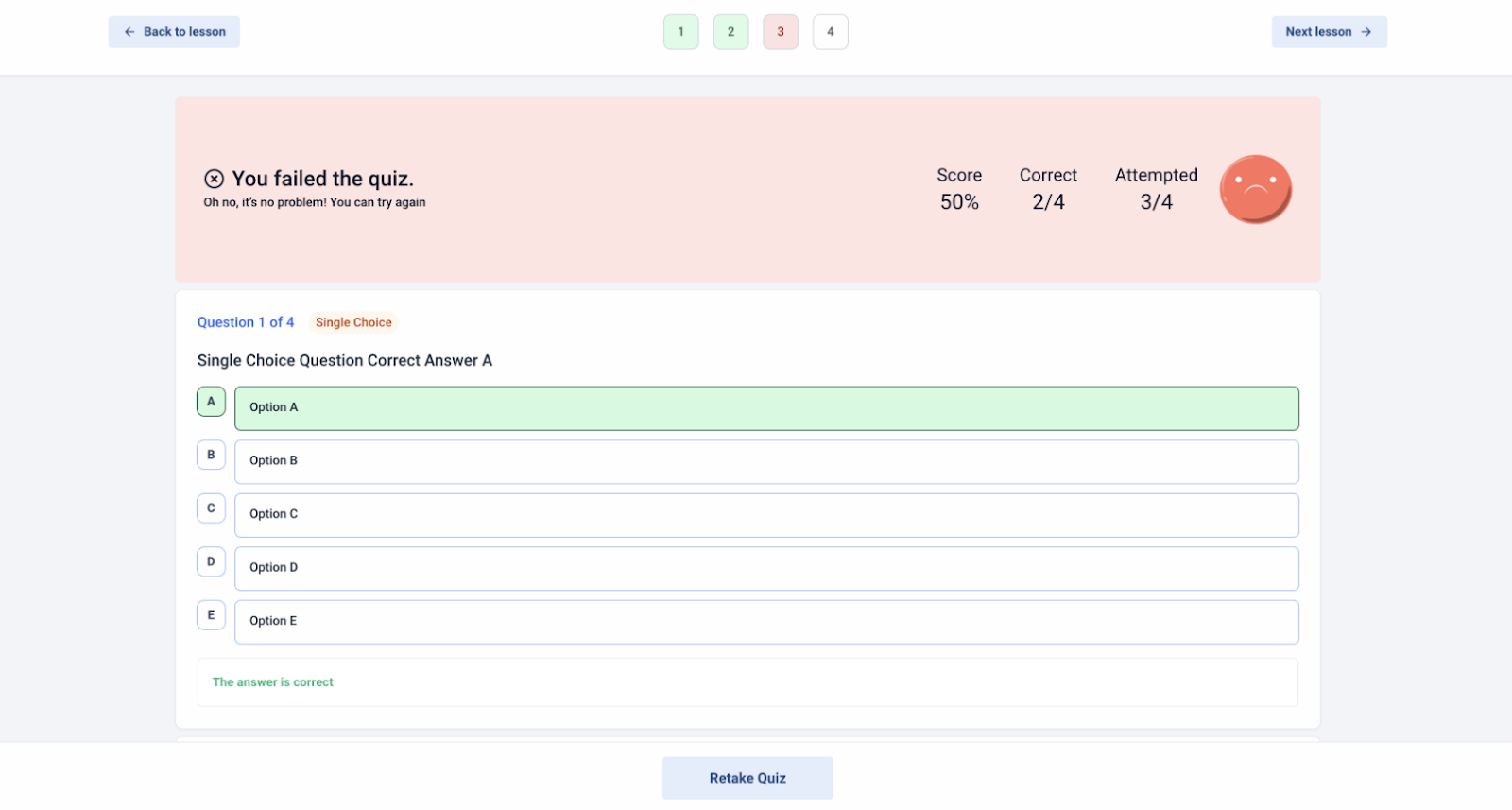 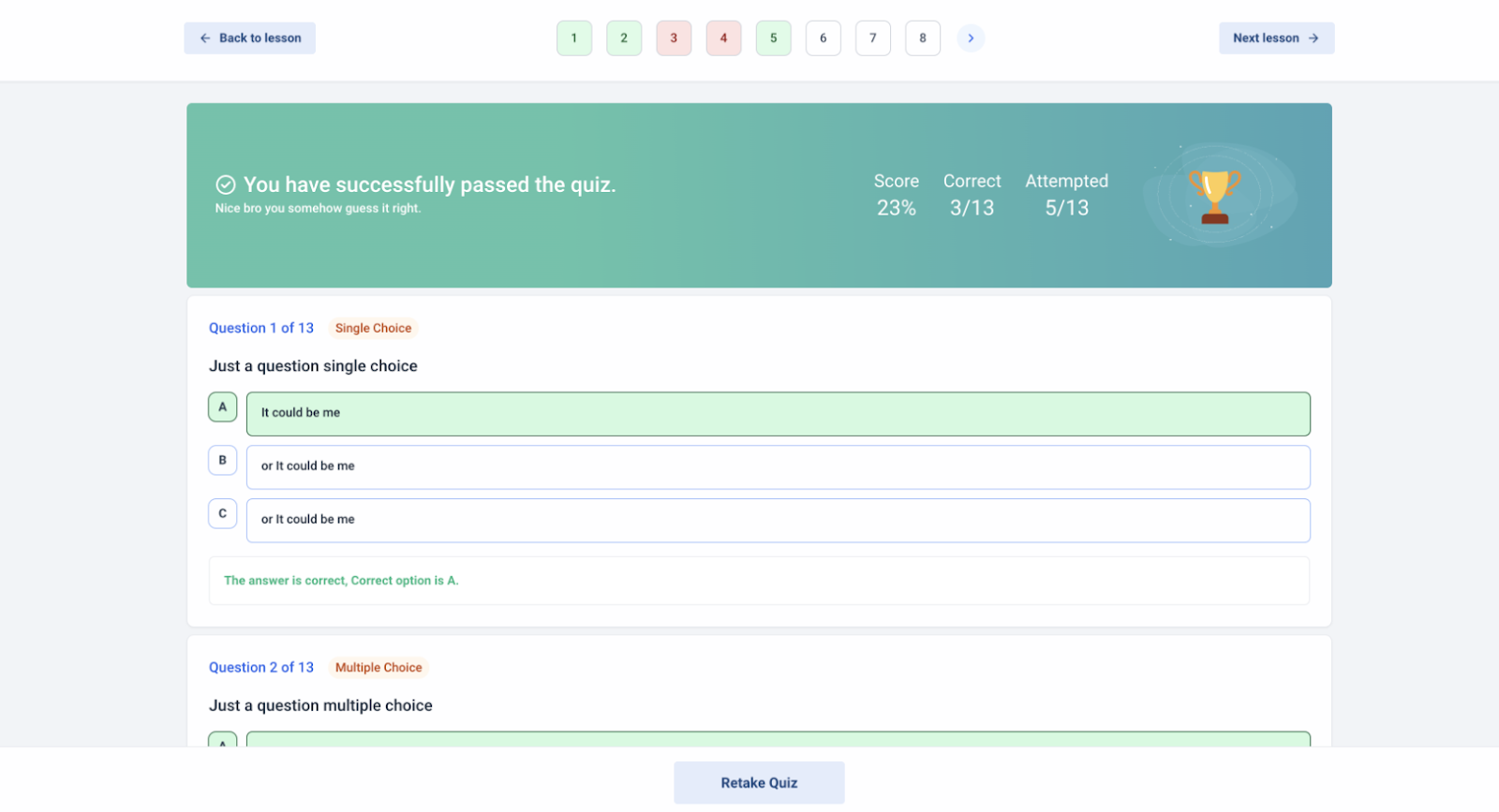
.jpg)
.jpg)
Note: Supported Files: jpeg, jpg, pdf, xls
.jpg)
.jpg)
.jpg)
.jpg) .jpg)
Note: The mobile interface can be accessed via mobile browser or PWA, enabling quick assignment submissions and easy access to instructor feedback. Additionally, we’ve optimized the assignment UI for desktop users across all themes, with a redesigned confirmation message toggle, improved layout for instructions and submissions, and enhanced performance of navigation buttons.
What file types can be uploaded for assignments?**
**Answer: You can upload files in formats such as jpeg, jpg, pdf, and xls.
Can I preview the assignment before publishing it?**
**Answer: Yes, you can use the “Preview” button to see a draft of the assignment before it goes live.
How do students submit their assignments?**
**Answer: Students can submit their assignments by uploading answer sheets or writing responses in the provided text box.
Is the assignment interface accessible on mobile devices?**
**Answer: Yes, the assignment interface is optimized for mobile browsers and PWA for easy access and submission.
Question: Can I make changes to the assignment after it is published?**
**Answer: Yes, you can update and republish the assignment as needed.
Question: Can I edit an assignment after it’s published?**
**Answer: Yes. You can make updates to the assignment content and republish it at any time.
Question: Where can I learn more about creating membership courses?**
**Answer: For additional guidance, refer to our other articles on creating membership courses.
Question: Can I provide feedback without giving a final “Pass” or “Fail” grade?
Answer: Yes. The “In Review” status allows you to leave instructor notes and feedback. If a student needs to make corrections, you can use the notes to guide them and leave the assignment in a pending state until they upload a revised version.
Note : You can also see other articles on how to create membership courses.