¶ How The Sticky Contact Feature Works
How The Sticky Contact Feature Works
The Sticky Contact feature allows a seamless user experience by pre-filling previously entered form data, such as name, email, or phone number, on subsequent visits. This is made possible by cookies that store and retrieve the contact information, reducing the need for users to re-enter data, which can enhance user engagement and improve conversion rates.
¶ Key Features and Benefits:
- Automatic Data Pre-fill : Pre-fills fields with the contact information from previous form submissions.
- Time-Saving : Reduces friction for repeat users, making the form completion process faster and more efficient.
- Improved User Experience : Saves time, especially in multi-step forms and surveys.
- Browser-Specific : Operates via cookies stored in the browser, ensuring the data is only available within the same browser and device.
Sticky Contact Functionality:
- Saves cookies from a lead to retain their information.
- Syncs all previously entered information across multiple forms and surveys.
- Useful for:
- Initial opt-in leading to a calendar or appointment page.
- Managing a 2-step order form process.
Restrictions:
- If several people use the same browser to complete the same form, calendar entry, survey, or order and sticky contacts are turned on, their details will replace each other for the same contact record.
- Sticky contacts won’t be effective the first time someone uses a different browser, since the necessary tracking cookie won’t be set on that browser.
- Additionally, sticky contacts don’t work with hidden or custom fields.
¶ Step 1: How to Toggle Sticky Contact On and Off
1. Enable Sticky Contact in Forms :
- Go to Settings > Sites > Forms > Form Builder.
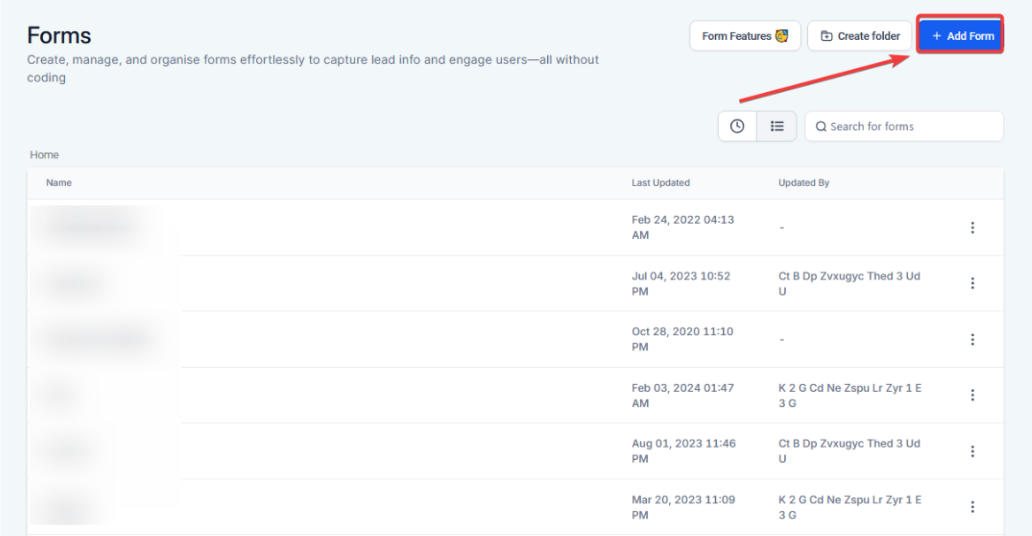
- Open or create a form, scroll to the Form Settings tab , and toggle Sticky Contact on. Save changes.

2. Enable Sticky Contact in Surveys:
- Go toSettings > Sites > Surveys > Survey Builder.
- Toggle Sticky Contact on in the Survey Settings section and save.

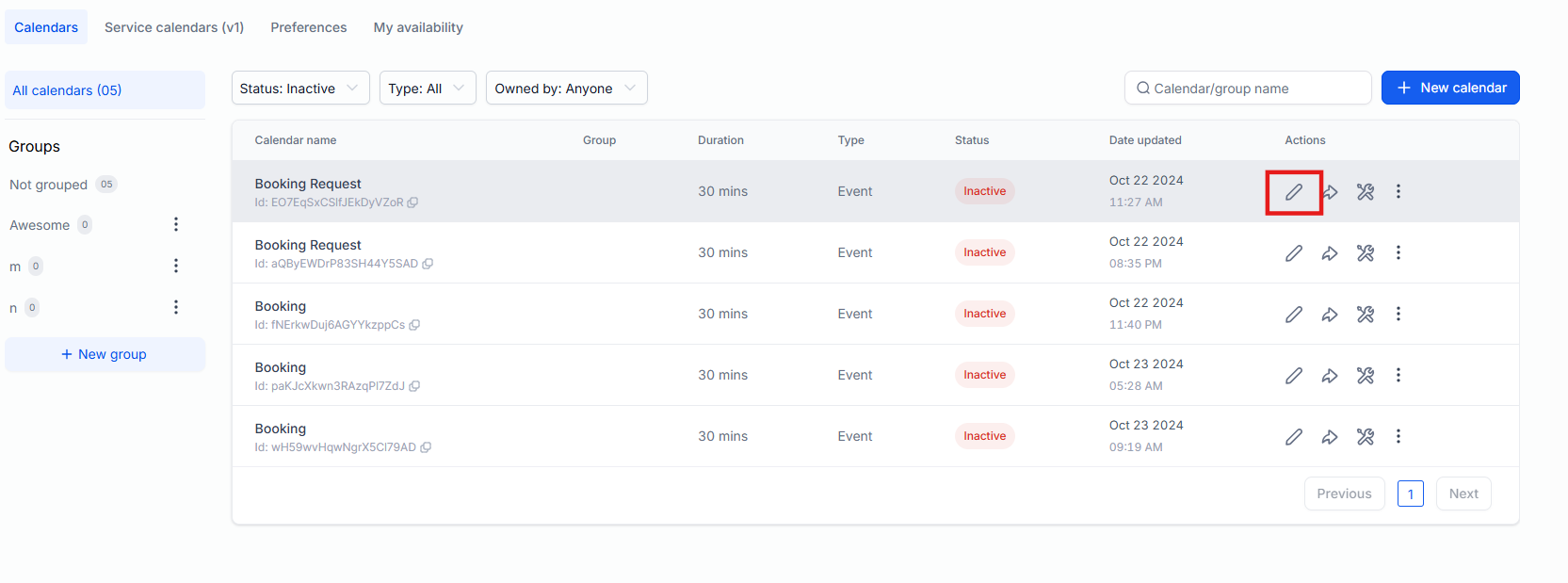
3. Enable Sticky Contact in Calendars :
- Navigate to Settings > Calendars > Calendar Settings.
- Select the desired calendar and enable Sticky Contact in the **Forms & Payment **section.

NOTE: If you are filling out a form for a lead (e.g. if you’re texting with them or on the phone with them) that has sticky contact enabled, ensure that you use incognito mode in your browser. If you do not, every time you open that form/survey (until you clear your cache), the previous lead’s information will populate and the software will think that lead is trying to enter LeadMagicX again.
¶ Best Practices:
- Use Sticky Contact for Multi-Step Forms : This feature works best when users fill out forms, surveys, or calendars on their own devices.
- Combine with Conditional Logic : Dynamically pre-fill relevant fields using Sticky Contact and conditional logic.
- Avoid Public/Shared Devices : Do not enable on forms used in shared spaces like kiosks to prevent data overwriting.
¶ Troubleshooting:
- Sticky Contact Not Working : Ensure cookies are enabled and the form is hosted on the same domain.
- Cross-Browser Issues : Sticky Contact works only within the same browser. Users should not switch browsers or devices.
- Compliance Concerns: If operating in regions with data protection laws (e.g., GDPR), include a disclaimer or obtain user consent for cookie storage.
¶ FAQs
Question: Can Sticky Contact work across subdomains?**
**Answer: No, Sticky Contact only works within the same domain and cannot transfer data across subdomains.
Question: What happens if a user clears their cookies?**
**Answer: If cookies are cleared, Sticky Contact will lose the previously entered data and fields will not be pre-filled.
Question: Is Sticky Contact GDPR-compliant?**
**Answer: Yes, but ensure that users are informed about cookie usage and are given an option to opt out to comply with data protection laws.
Question: Does Sticky Contact interfere with browser autofill?**
**Answer: No, Sticky Contact operates independently of the browser’s autofill function, but both can complement each other.
Question: Are there any limitations to Sticky Contact?**
****Answer: **Multiple Users on the Same Browser: If multiple people use the same browser to complete forms or surveys with Sticky Contact enabled, their details may overwrite each other.
Different Browsers: Sticky Contact won’t work on a new browser until the tracking cookie is set on that browser.
Hidden or Custom Fields: Sticky Contacts do not work with hidden or custom fields.
Question: What should I do if I am manually filling out a form for a lead while on a phone call?**
**Answer: You must use incognito mode in your browser to fill out the form for that lead. If you do not use a private window, the system will continue to populate the previous lead information every time you open the form and may incorrectly associate the data with the same contact record.