¶ Photo Gallery in Funnels and Website Builder
The Photo Gallery feature in the website and funnel builder makes it easy for users to create dynamic, customizable galleries without technical expertise. This gallery widget enables a smooth, visually appealing way to showcase images, enhancing user engagement and aesthetic appeal with features like lightbox support, lazy loading, and customizable layouts.
Key Features and Benefits
- Image Gallery : Effortlessly add images for a more dynamic and engaging presentation.
- Lightbox Support : Display images in an interactive lightbox for a seamless viewing experience.
- Heading Options : Customize the gallery with a title for added context or branding.
- Layout Customization : Choose from various layouts, including grid, vertical, and horizontal masonry. Adjust the column count and spacing for precise design control.
- Mobile Optimization : Ensure your gallery looks great on mobile with responsive settings.
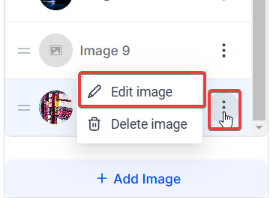
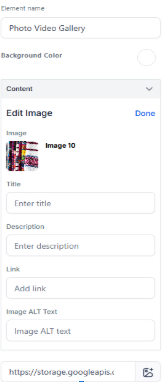
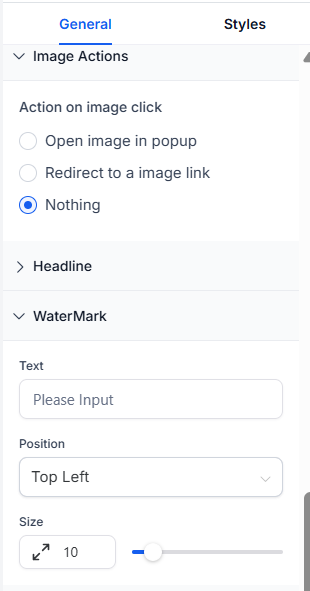
- Image Info & Actions: Add captions and descriptions to images. Choose click actions like opening in lightbox or redirecting to a URL. Use watermarks for added branding and protection.
How to Use the Photo Gallery
- Add the Gallery :
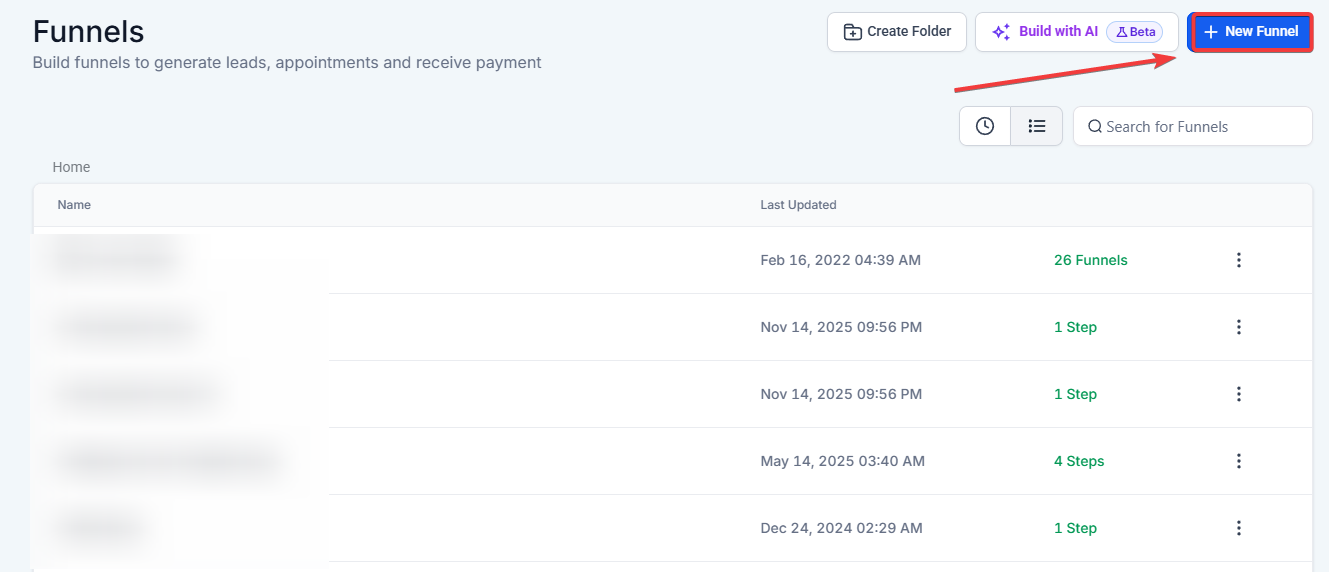
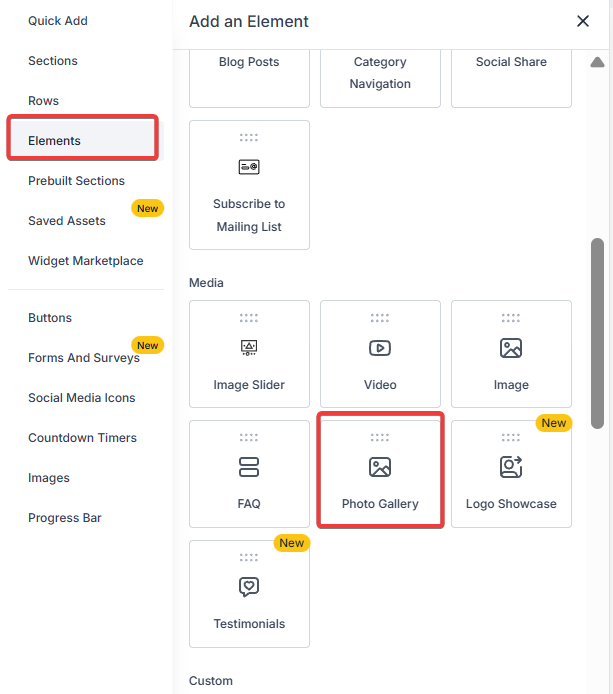
- Navigate to Sites and in the website or funnel builder, choose your funnel/website. Locate the Photo Gallery widget in the left sidebar.
- Drag and drop the widget onto the desired page section.

- Customize Your Gallery :
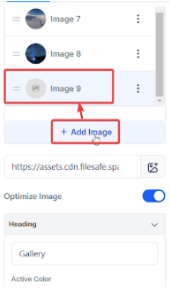
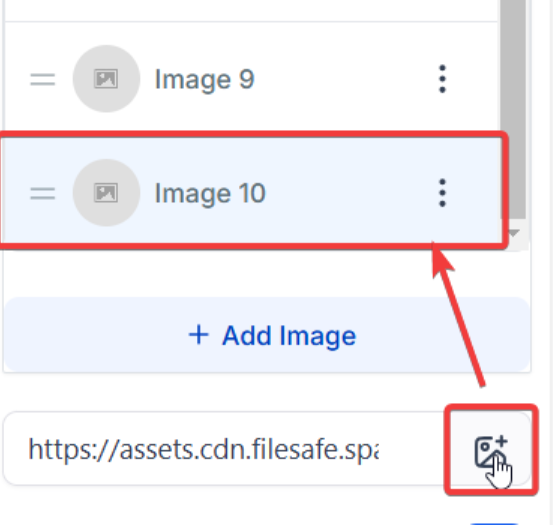
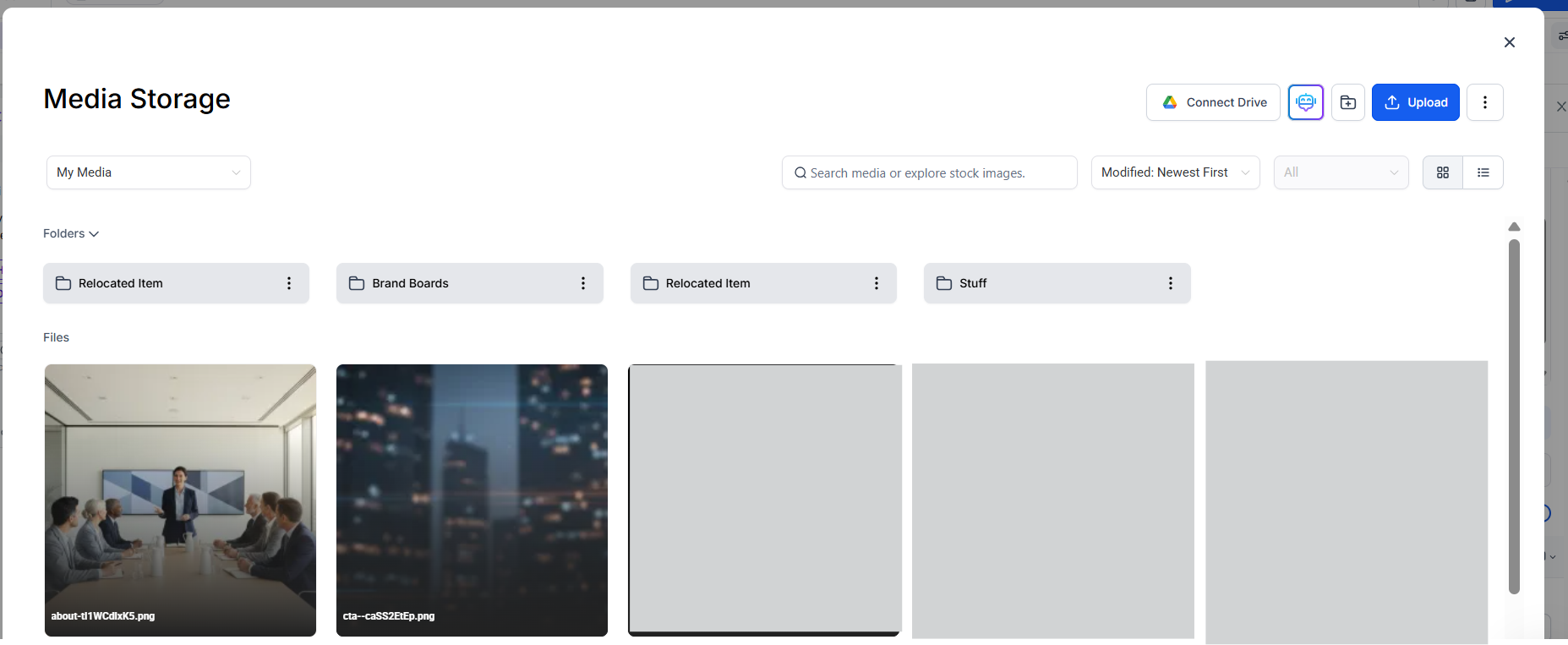
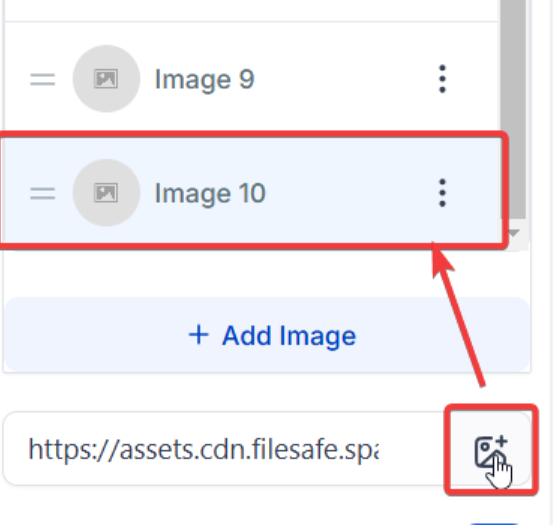
- Add Images : Select images from your media library to add to the gallery.
Note: Images selected from third-party providers like Unsplash or Pixabay are automatically copied to your servers, ensuring they remain visible even if the original source is deleted.
- Set Layout : Choose a layout (grid or masonry), adjust the column count, and set spacing.
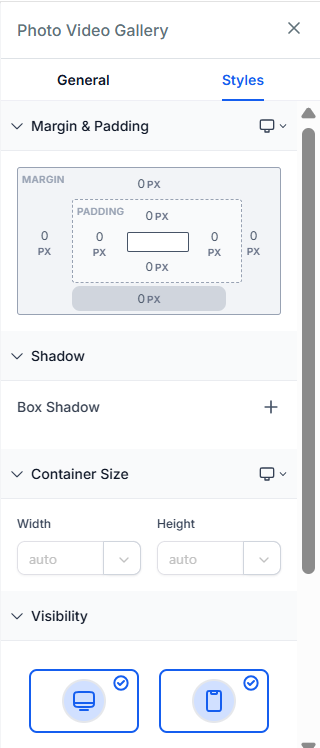
- Optimize for Mobile : Enable mobile-friendly settings to ensure responsiveness.
- Lazy Load and “Load More” Button : Toggle lazy loading and add a “Load More” button if needed.
- Add Captions & Actions: Assign captions and descriptions, choose click actions (e.g., lightbox or URL), and add watermarks if desired.
Pro Tips
- Optimize for Mobile : Use mobile-specific settings to create a seamless experience across devices.
- Use Lazy Load : Improve page speed by enabling lazy load, especially for galleries with numerous images.
- Watermark for Protection : If you need to secure your images, add a watermark to each one directly in the gallery settings.
FAQs
Question: Can I use different layouts within the same gallery?**
**Answer: No, each gallery is limited to one layout type at a time. You can, however, create multiple galleries on a single page with different layouts.
Question: How can I ensure the gallery looks good on mobile?**
**Answer: The gallery is responsive by default. You can also adjust specific settings in the Mobile Behavior section for finer control.
Question: What file formats are supported in the gallery?**
**Answer: JPEG, PNG, and GIF files are supported. For the best quality, use high-resolution images optimized for web use.
Question: Can I add a link to each image?**
**Answer: Yes, each image can have an associated URL. Choose the “Open Link” option in the action settings, and you can even open it in a new tab.
Question: How many images can I add to one gallery?**
**Answer: While there’s no hard limit, for optimal page performance, it’s recommended to limit each gallery to around 20 images or enable lazy loading if more images are needed.
Question: What happens to images if I select them from a third-party source like Unsplash and the original photo is later deleted?
Answer: You don’t need to worry about losing them. When you select images from third-party providers like Unsplash or Pixabay, they are automatically copied to your own servers, ensuring they remain visible on your site regardless of what happens to the original source.
Question: Will the gallery automatically resize my images?
Answer: The widget will intelligently fit your images into the columns you’ve selected. However, for the most professional look, we recommend cropping your images to a similar aspect ratio before uploading if you are using the “Grid” layout.