How to Add Canonical Links to Your Funnel or Website
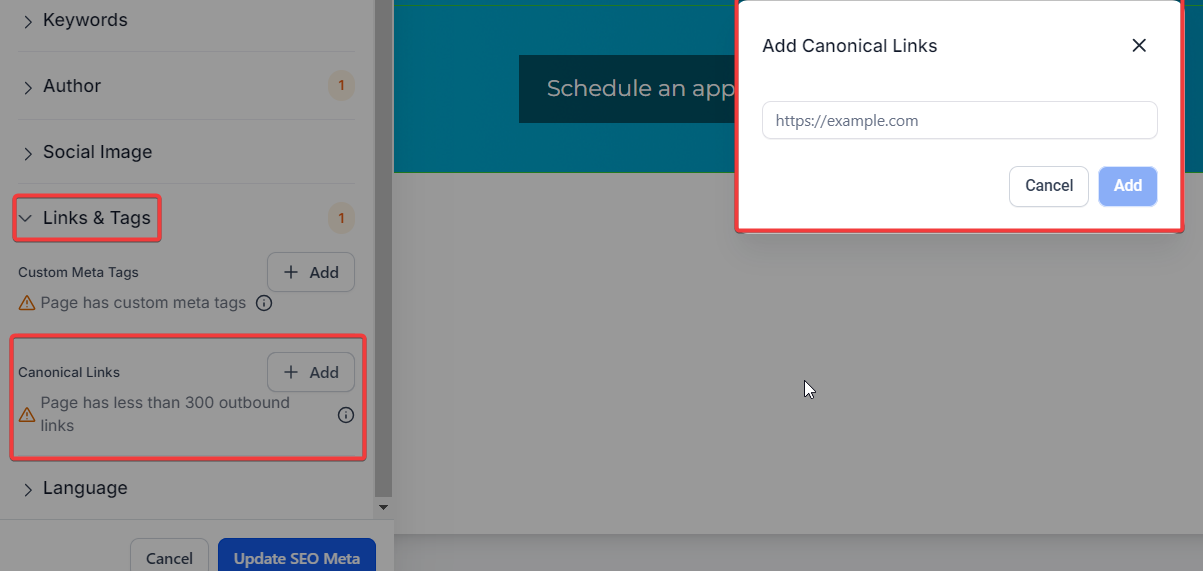
The introduction of Canonical Links to our SEO toolkit is a significant enhancement to optimize your website’s search engine visibility. Canonical links are essential for preventing duplicate content issues and directing search engines to the primary version of a webpage, thereby improving your website’s overall SEO performance. In this article, you will learn how to use the Canonical Links in your funnel.
The purpose of a canonical link is to indicate to search engines which URL is the “master” or primary version of a page. This is particularly useful in situations where similar or identical content appears under multiple URLs. By specifying a canonical URL, you help prevent issues related to duplicate content in search engine indexing.
For example, you might have two URLs that display the same content:
http://example.com/page
http://example.com/page?sessionid=123[
](http://example.com/page?sessionid=123)
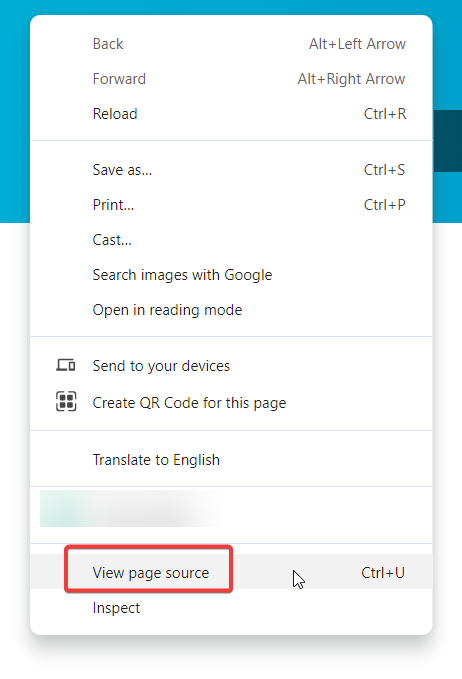
In this case, even though both URLs lead to the same content, you would choose one (usually the cleaner, more straightforward URL) as the canonical URL. This tells search engines which version of the page to index and rank. The canonical URL is typically provided in the HTML head of the webpage using a link element with the rel=“canonical” attribute.


Question: What happens if I don’t use canonical links?
Answer: Without canonical links, search engines might index multiple versions of the same content, leading to potential duplicate content penalties. This can dilute your SEO efforts and negatively impact your search rankings.
Question: Can I use canonical links for pages with similar content?
Answer: Yes, canonical links are particularly useful for pages with similar or near-duplicate content. By directing search engines to the primary version of the content, you help consolidate the SEO value to one URL.
Question: Is it necessary to use canonical links for every page?
Answer: Not every page requires a canonical link. Use them when you have multiple URLs for the same content or when similar content exists across different pages. For unique, single-URL content, canonical links are typically not needed.
Question: Can I change the canonical link after it’s been set?
Answer: Yes, you can change the canonical link at any time by updating the URL in the SEO Meta Data section of the page editor. Just remember to save the changes and verify that the new link is implemented correctly.
Question: Why are canonical links important for SEO?
Answer: Canonical links prevent search engines from indexing multiple versions of the same content, consolidating SEO value to a single URL. This helps improve search rankings and avoids potential duplicate content penalties.
Question: Does a canonical link act the same way as a 301 Redirect?
Answer: No. A 301 Redirect physically moves the visitor from one URL to another. A Canonical Link allows the visitor to stay on the URL they clicked, but tells search engine bots to “credit” the SEO value to the primary URL instead.