¶ Video Element in the Email Builder
Video Element in the Email Builder
The video element in the email builder allows you to add video previews to your email templates and campaigns.
The video element creates a preview image (using the video’s thumbnail image), adds a play button, and then, hyperlinks the image to your video URL. When someone clicks on the image, they are taken to the video.
Note: Due to technical limitations of all major email providers, we can’t directly embed videos yet into emails.
¶ Part 1: Add your Video Element
- Drag and drop your video element into the editor.
- The settings of this element will show up on the left side and a new video element on the right side.

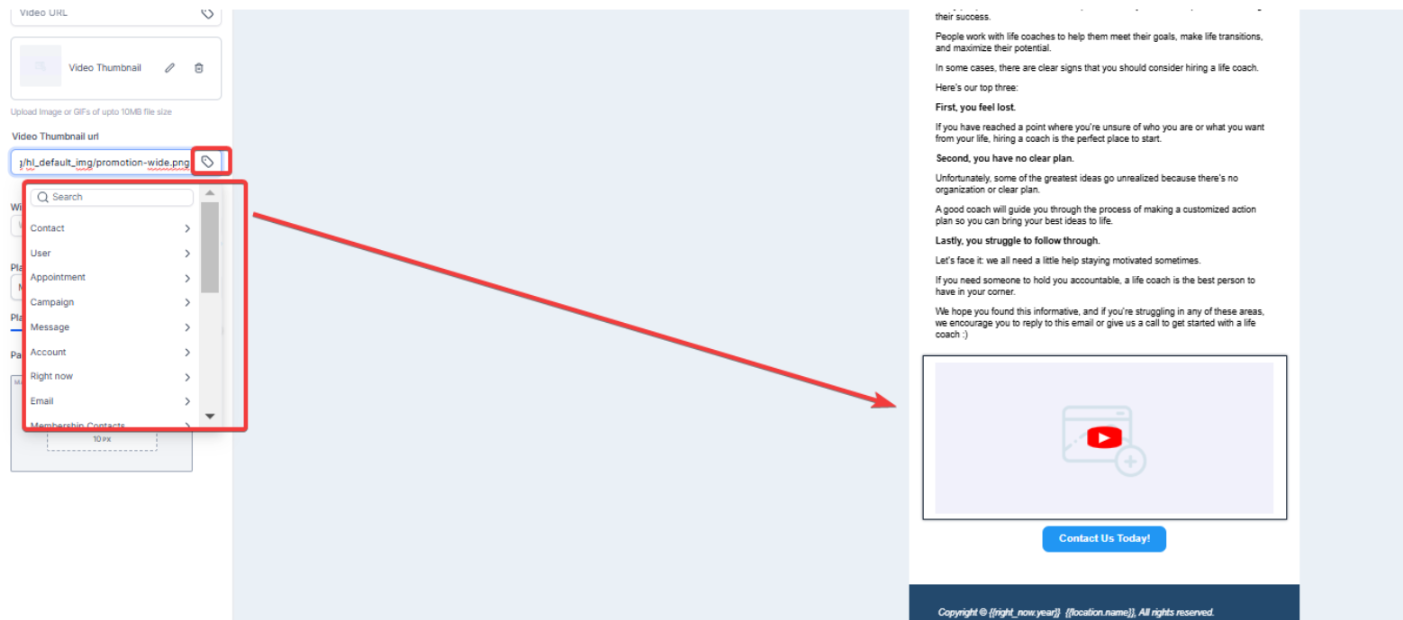
- The video element also supports custom values for media elements. To achieve this simply access your builder, choose the media element (video, image, logo) to customize.Enter a custom value in the element’s source field to dynamically link content like images or videos.
¶ Part 2: Select the Type
- There are four video options you can choose from: YouTube, Vimeo, Wistia, and HTML5. Once you select the option, the system will fetch the video thumbnail from the video URL.

¶ Part 3: Adding your video
- Once you have selected the type of video, add the video URL
- This will show the video thumbnail in the video element

Note: If the preview fails to fetch the thumbnail image from the video, it will display a warning (e.g. If you change the video type to Vimeo for a YouTube video URL, the editor will try to fetch the thumbnail based on the Vimeo logic, which will not work so it will show you a warning).
- The editor will try to fetch the default thumbnail image from the Video URL based on the selected video type and fill this field automatically. Still, you can also provide your own thumbnail image by adding its URL.

- The video will be aligned on the left side by default. Unlike images, it is not possible to align them using the align attribute, but you can align them through padding inside a 2 or 3-column layout.
- Part 4: Adjust Height & Width
- You can adjust the video dimensions using these input fields. If no dimensions are specified, the video will automatically take up the full width and adjust its height based on the image resolution.
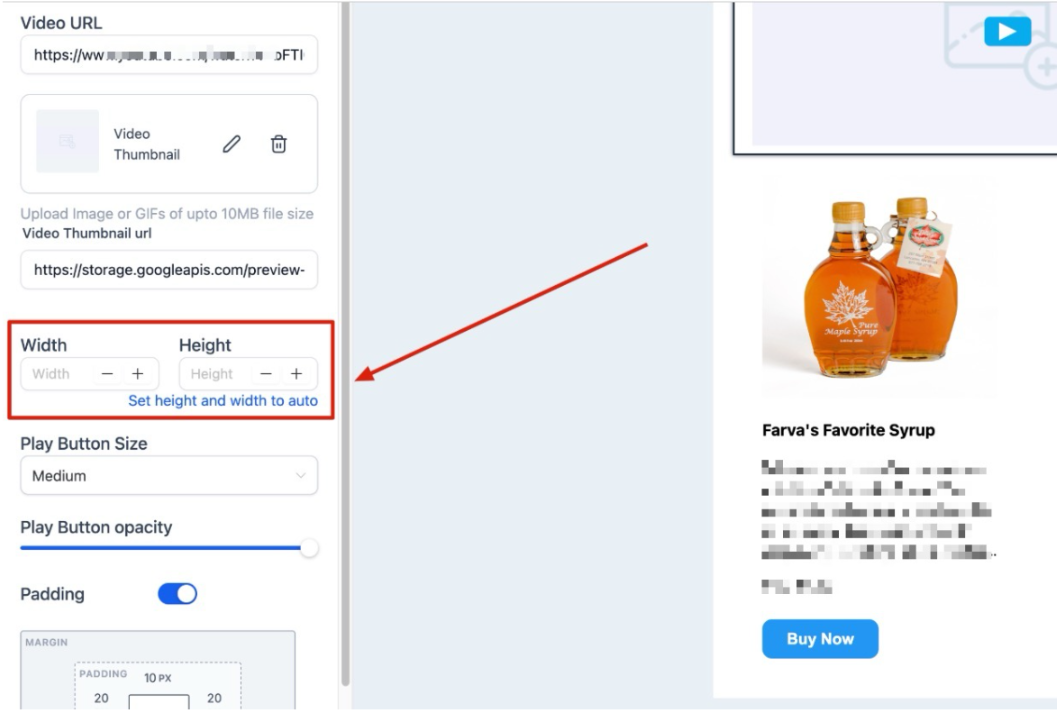
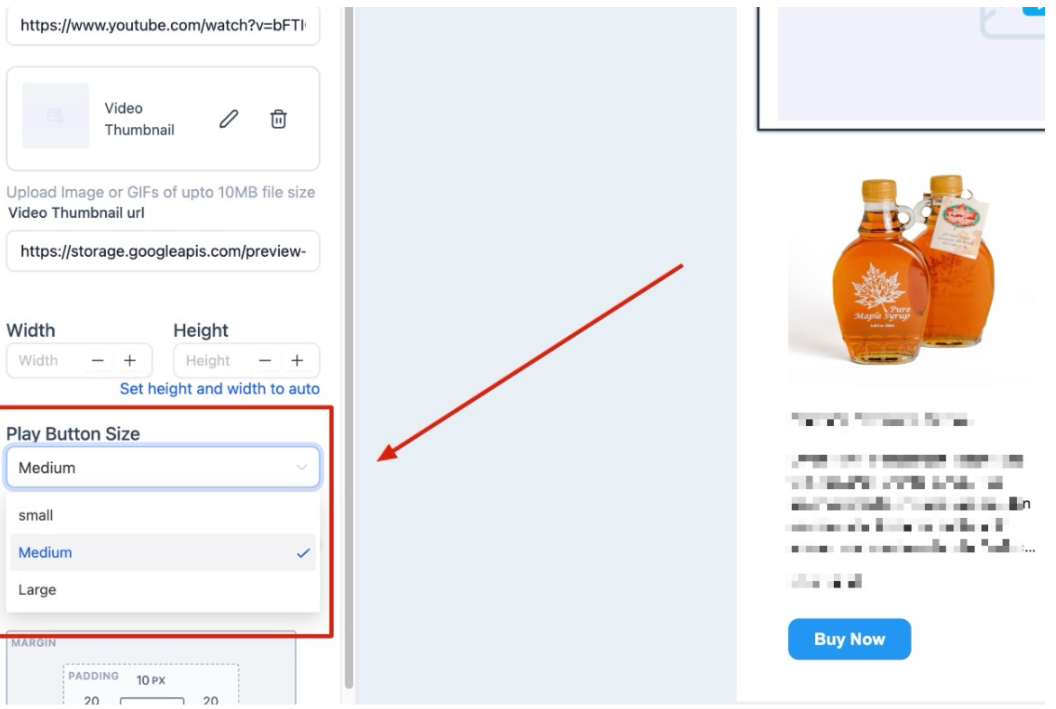
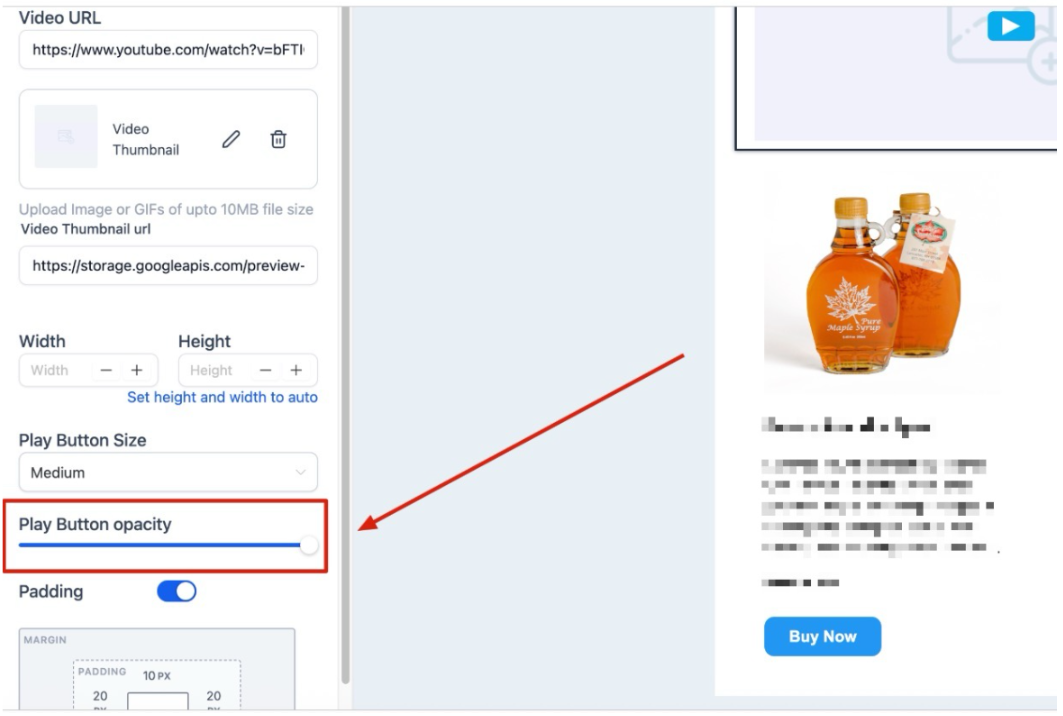
You can also make the changes to the size and opacity of the Play Button.
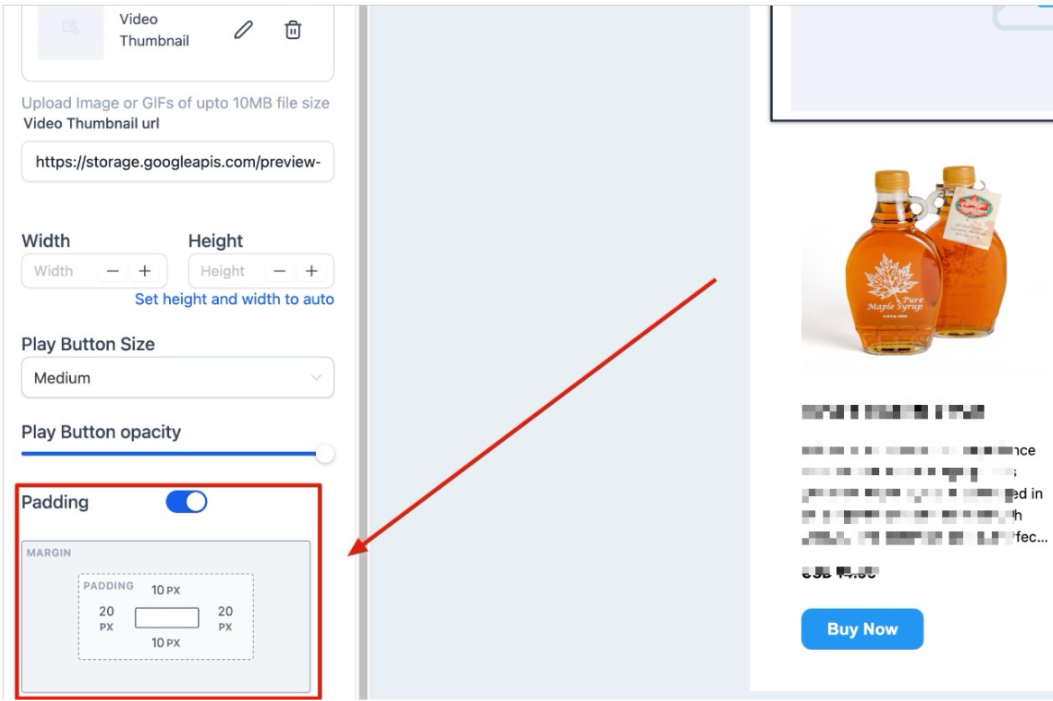
Padding: You can add padding to the video element using this field. Check the image below to see how it looks in action
FAQs
Question: Can I directly embed videos into my email using the video element?**
**Answer: No, due to the technical limitations of major email providers, it’s not possible to directly embed videos into emails. The video element creates a preview image with a play button that links to the video URL.
Question: How do I add a video to my email template?**
**Answer: Drag and drop the video element into the email editor. Then, select the video type (YouTube, Vimeo, Wistia, or HTML5), add the video URL, and the editor will display the video thumbnail.
Question: What should I do if the thumbnail image fails to fetch for my video?**
**Answer: If the preview fails to fetch the thumbnail image, you will see a warning. Ensure you select the correct video type for the URL. You can also manually provide a thumbnail image URL to use instead.
Question: Can I align the video element in the email template?
Answer: The video element is aligned to the left by default. While it cannot be aligned using the align attribute, you can adjust its position through padding within a 2 or 3-column layout.
Question: Can I customize the video thumbnail image in my email template?**
**Answer: Yes, if the default thumbnail image doesn’t display correctly or if you’d like to use a custom image, you can manually provide your own thumbnail image URL.
Question: Will the video maintain its proportions if I leave the dimension fields empty?
Answer: Yes. If no specific dimensions are entered, the system will automatically adjust the video’s height based on the original resolution of the image to ensure it scales correctly.
Question: Will the “Play Button” style be the same for all video types?
Answer: You have full control! Regardless of whether it’s a YouTube or Vimeo link, you can customize the color, size, and opacity of the play button overlay in the element settings. This allows you to match the button to your brand colors.