¶ How To Use Trigger Links in SMS
How To Use Trigger Links in SMS
In this article, you will learn how to use trigger links in SMS.
¶ Option 1: Through a Conversation
- Go to the Conversations tab
- Search for the lead you want to write to
- Click on the SMS tab to send an SMS
- Click on the icon to add links.
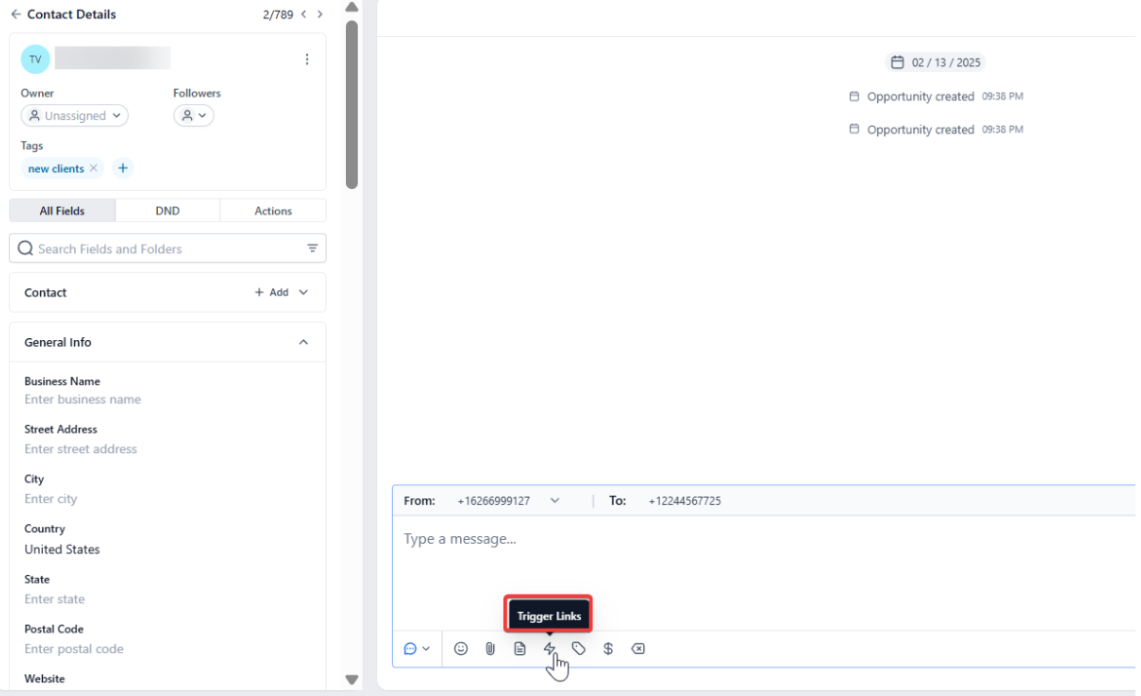
- Click on Trigger Links and select the one you need
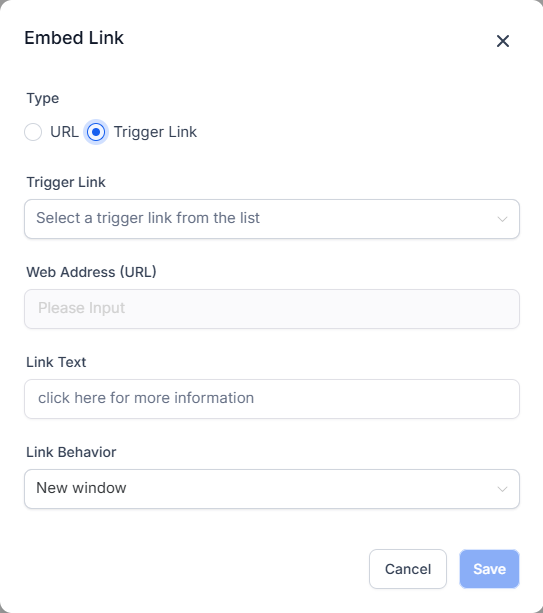
- Once you send the message, the trigger link custom value will be replaced by a link
Note: Trigger links can not be short links
¶ Option 2: Through a Workflow
- Edit your workflow and add an SMS action
- In there, click on the Trigger link tab and select the trigger link you want to use
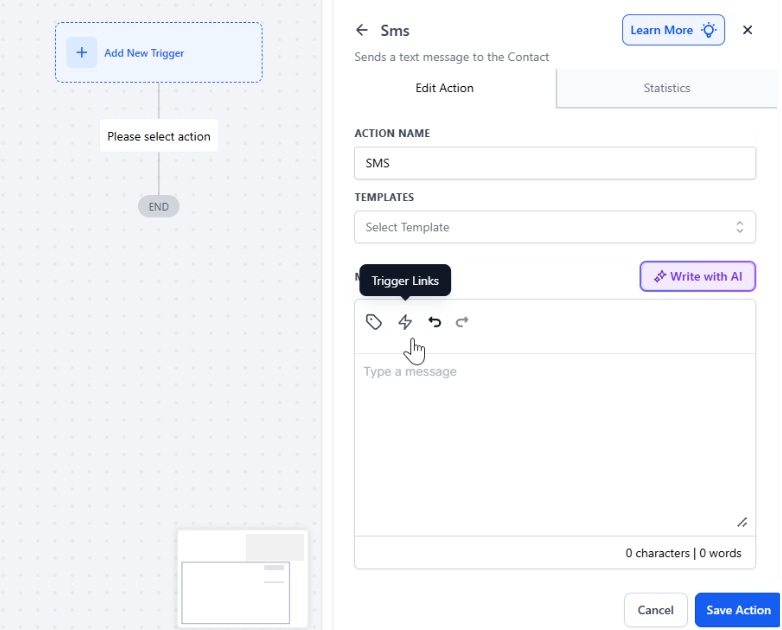
- Save once everything is ready
¶ Option 3: Through an SMS Template
- Go to Marketing
- Click on Templates
- Click on Add Text Template
- Click on the Trigger link tab and use the one you need to
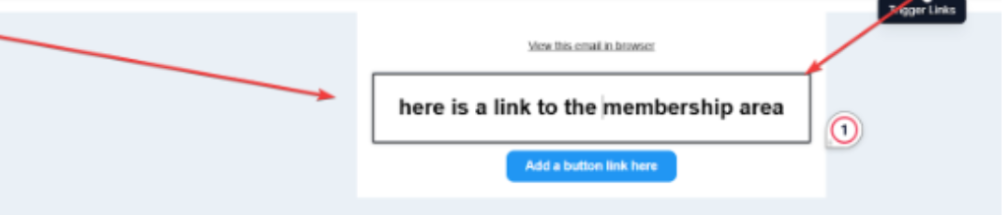
- Save when everything is ready
¶ FAQs
Question: What are trigger links? **
Answer:** Trigger links are unique URLs used in SMS campaigns that can be customized to track and respond to specific user actions. They help in automating responses based on user interactions.
**Question: Can I use trigger links in short links?
Answer: **No, trigger links cannot be short links. They must be used in their full form.
Question: How do I insert a trigger link through a conversation?
Answer:
- Go to the Conversations tab.
- Search for and select the lead you want to message.
- Click on the SMS tab.
- Click the icon to view available trigger links.
- Select the desired trigger link.
- Send the message, and the trigger link will be included as a full URL.
Question: How can I add a trigger link to a workflow?
Answer:
- Edit your workflow and add an SMS action.
- Click on the Trigger link tab.
- Select the trigger link you wish to use.
- Save your workflow changes.
Question: How do I use a trigger link in an SMS template? **
Answer:**
- Go to Marketing and click on Templates.
- Click on Add Text Template.
- Click on the Trigger link tab.
- Choose the appropriate trigger link.
- Save the template when finished.
Question: Are there any restrictions on trigger links? **
Answer:** Yes, trigger links cannot be used as short links. They must be in their full URL format.
Question: Can I use the same trigger link across multiple conversations or workflows?****
Answer: Yes. The same trigger link can be reused across different SMS messages, workflows, or templates as needed.
Question: What happens to the trigger link custom value after I send the SMS?****
Answer: Once the message is sent, the trigger link custom value is automatically replaced by the actual clickable link.
Question: Can I put a Trigger Link inside an Image (MMS)?**
Answer:** No. Trigger Links must be part of the text body of the SMS. They function as text-based URLs so that the phone’s operating system can recognize them as clickable links.
Question: Why does the link look long and random when the SMS is sent?
Answer: When you use a trigger link, the system generates a unique tracking ID for that specific contact. This is how the system knows exactly who clicked the link. While it may look longer than a standard URL, this unique string is essential for firing off any associated “Trigger Link Clicked” workflows.