¶ Section Templates In Blogs
Section Templates In Blogs
The blog builder has been enhanced to include section templates, global sections, and additional options for buttons and social icons. These features, previously available only in the website and funnel builders, can now be used in the blog builder as well. This allows users to create and save pre-designed sections for use within their blogs, providing a more seamless and cohesive design process
Benefits of section template :
- Consistent Design Across Platforms : Use section templates and global sections to maintain a uniform look and feel between your website, funnels, and blogs.
- Enhanced Customization : Easily add buttons, social icons, images, and progress bar themes to create engaging and interactive blog content.
- Improved User Experience : Provide readers with a more dynamic and visually appealing blog experience, which can lead to increased engagement and retention.
To enhance your blog’s theme and styling using preset sections from funnels or websites, follow these steps:
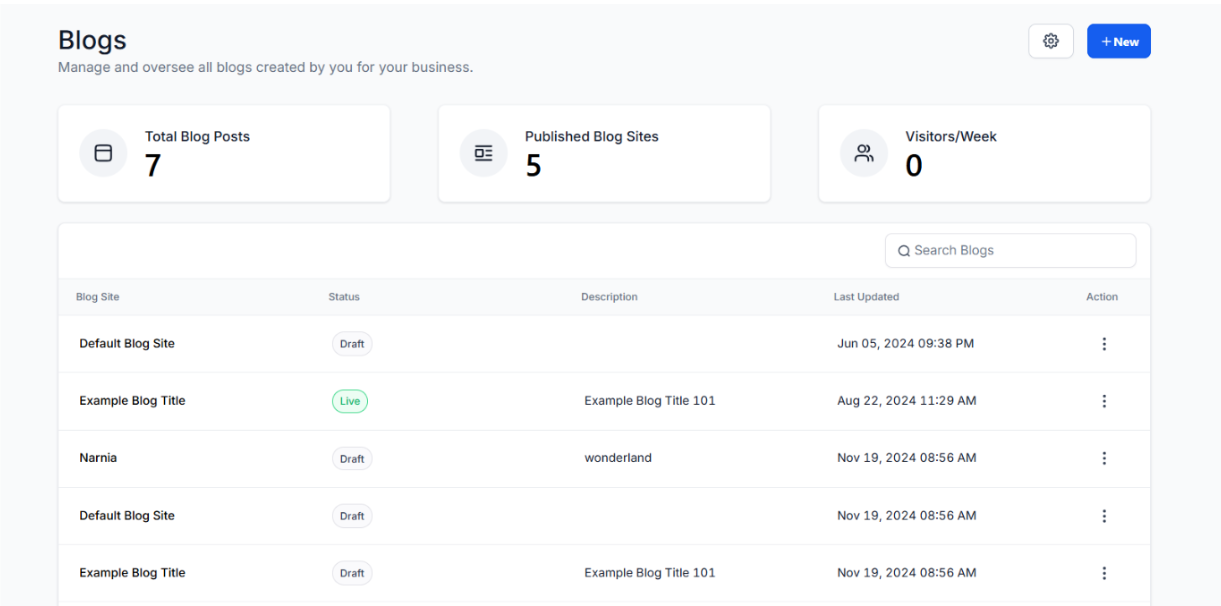
**1. Navigate to Sites **
- Navigate to sites on the left and select Blogs at the top.
2. Create a New Blog or Edit Existing Blog
- Choose to create a new blog if starting fresh, or select an existing blog to edit.
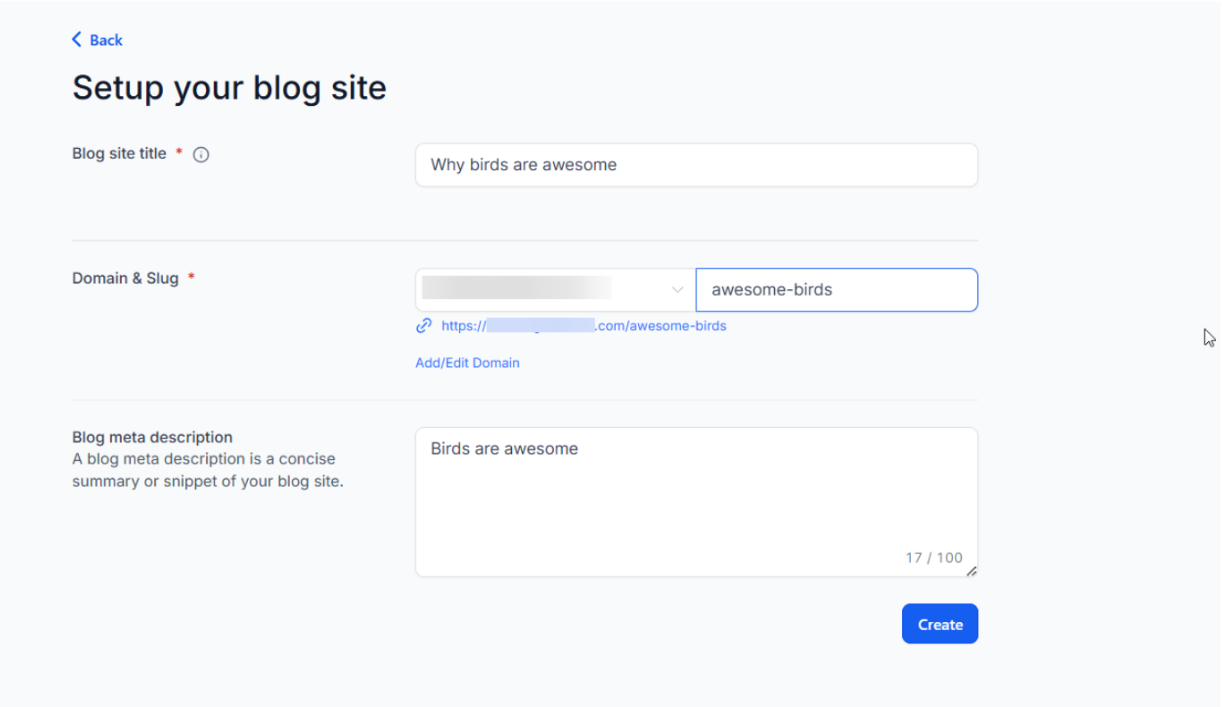
3. Add Domain and SEO Details
- Add Blog title and Blog description and also enter relevant domain information and optimize SEO settings to improve search engine visibility.
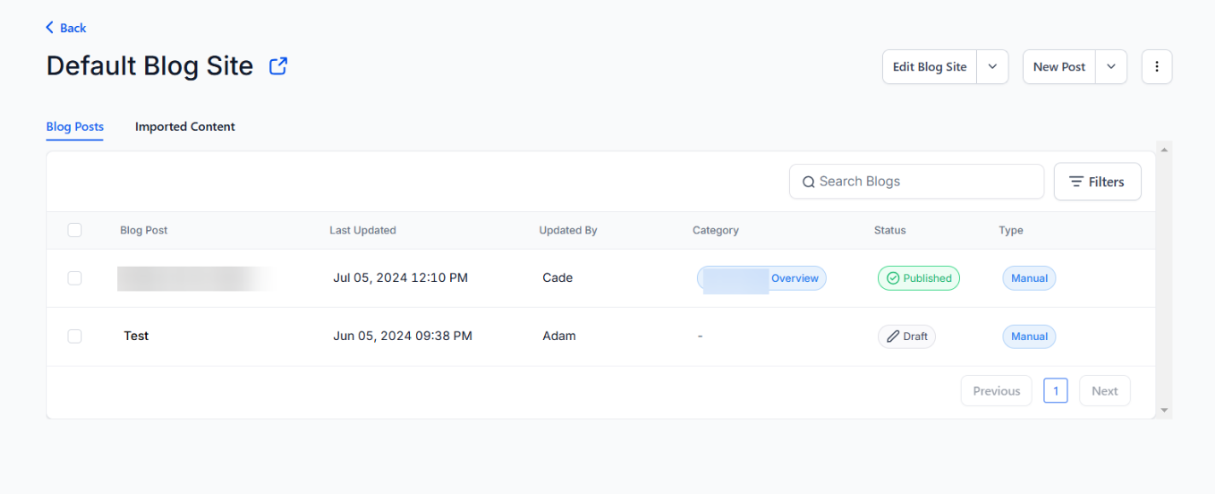
- After creating the blog, click on the blog and start editing your blog
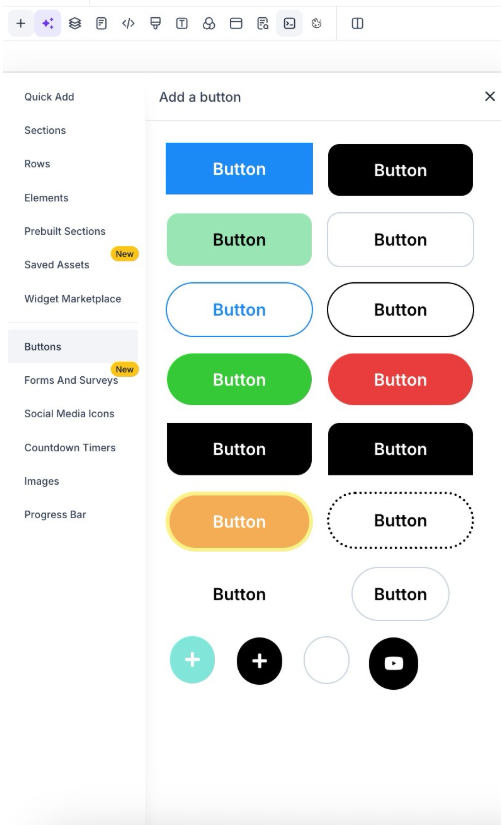
5. Add Themes
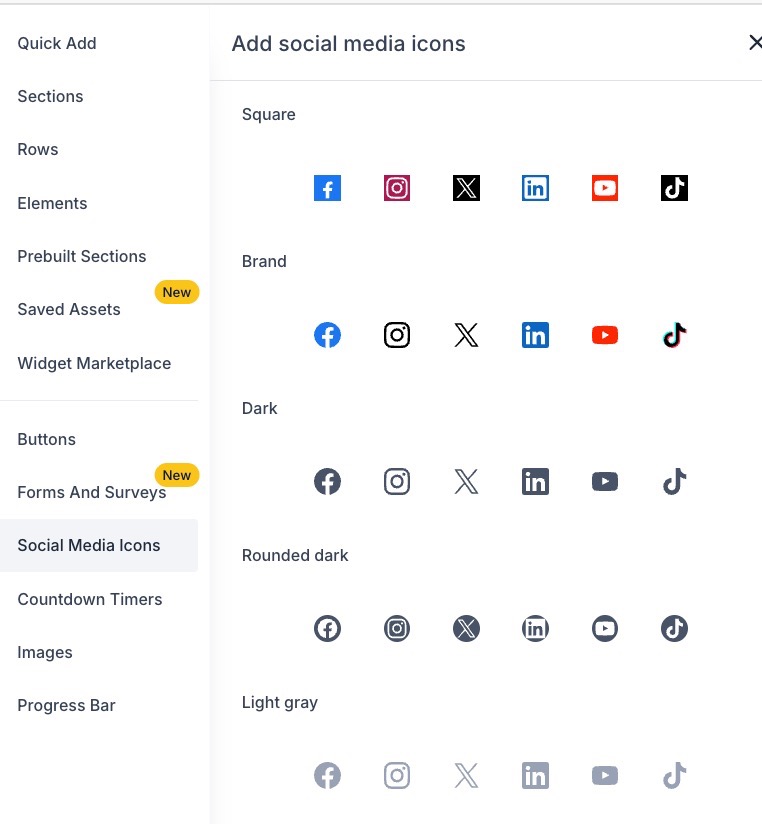
- Explore and select from various options like buttons, social media icons, images, and progress bars.
Here are some cool themes to customize your blog, making it more engaging and visually appealing.
Buttons:
Social Media Icons:
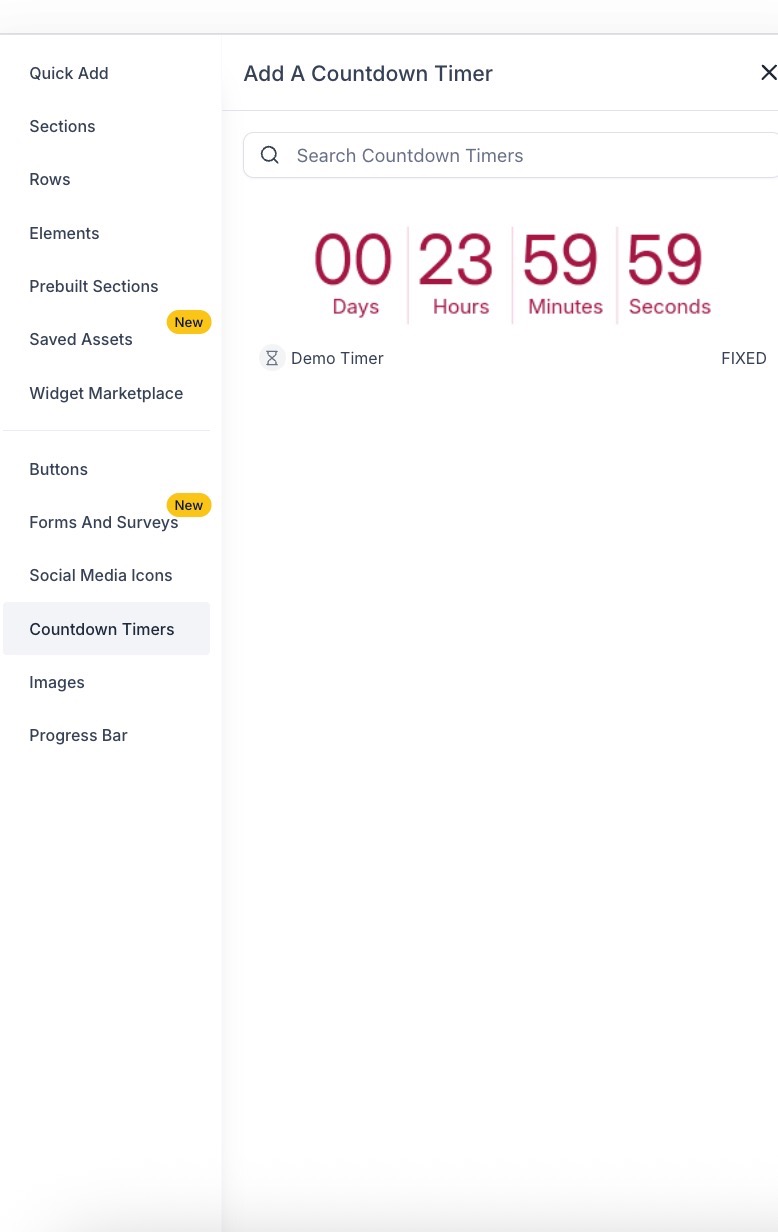
Countdown Timers:
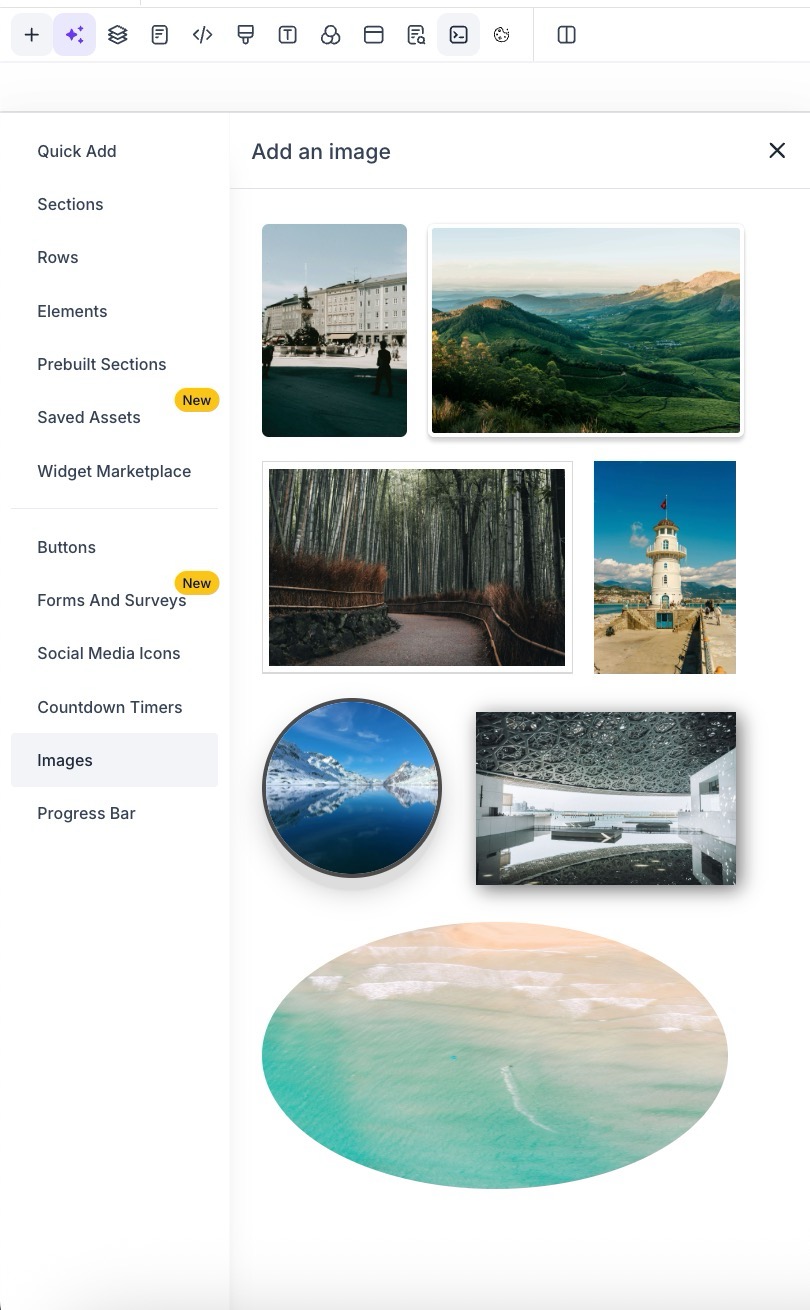
Images:
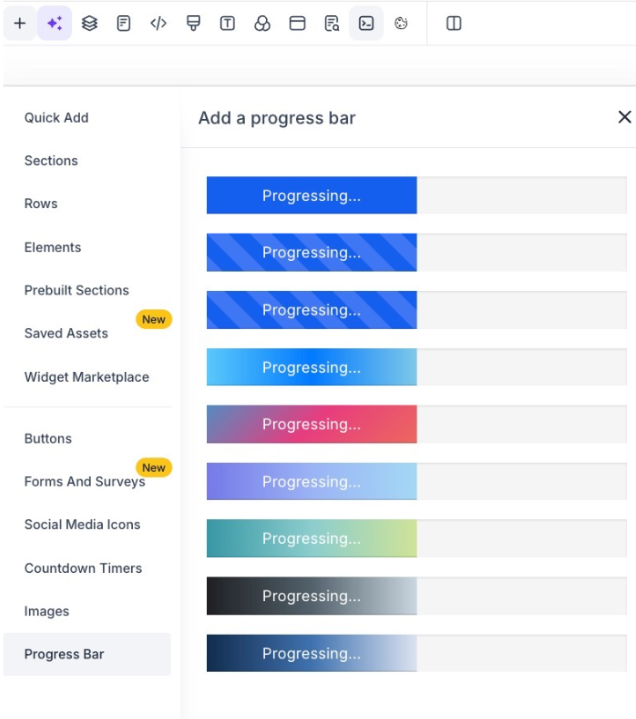
Progress bars:
4. Utilize Preset Sections.
- These pre-set sections allow you to match the theme and styling of your blog effortlessly.
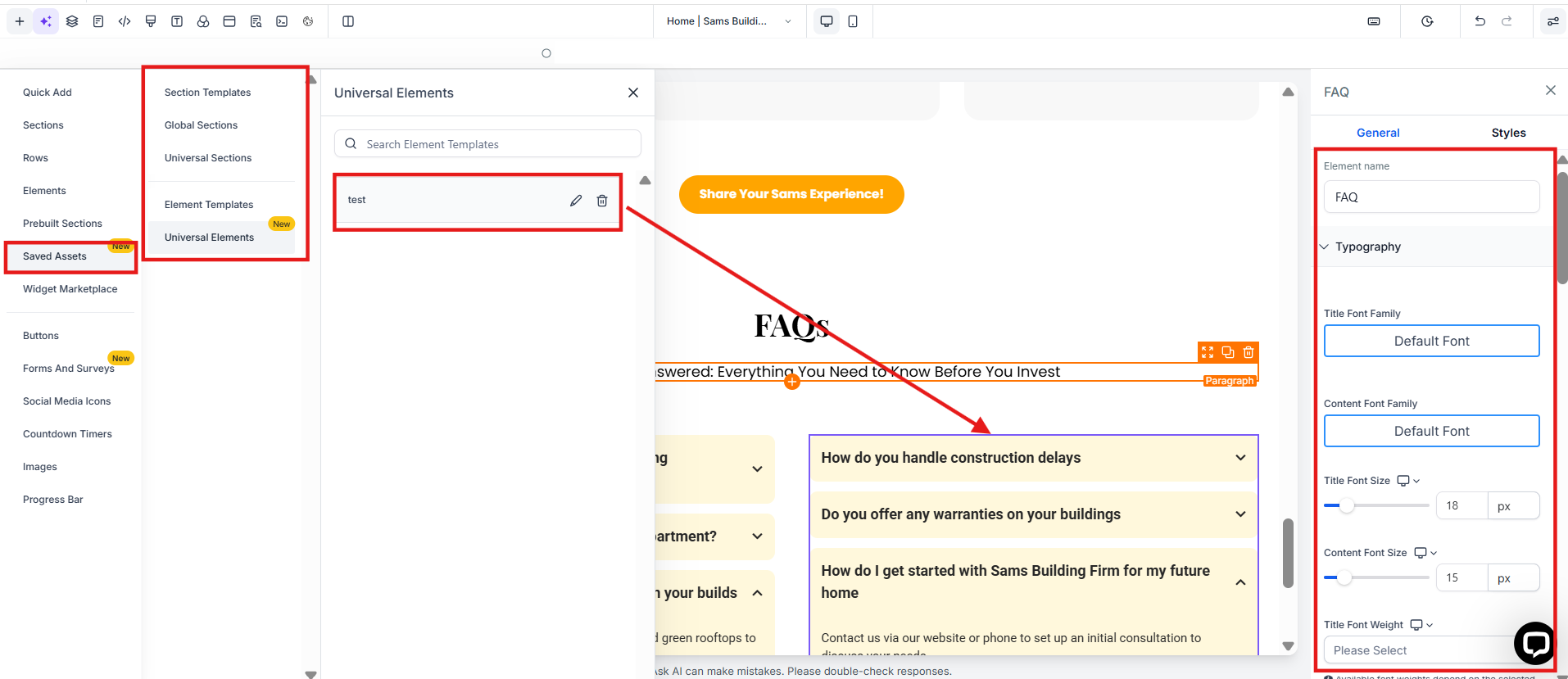
- You can easily add any section from your website or funnel into your blog. This means you can use the same designs and layouts across different parts of your site without needing to recreate them each time. It’s a simple way to keep your blog looking consistent and professional throughout.

- Additionally, you can use Global Sections to save headers, footers, and other sections as global sections to reuse across different blogs and sites.
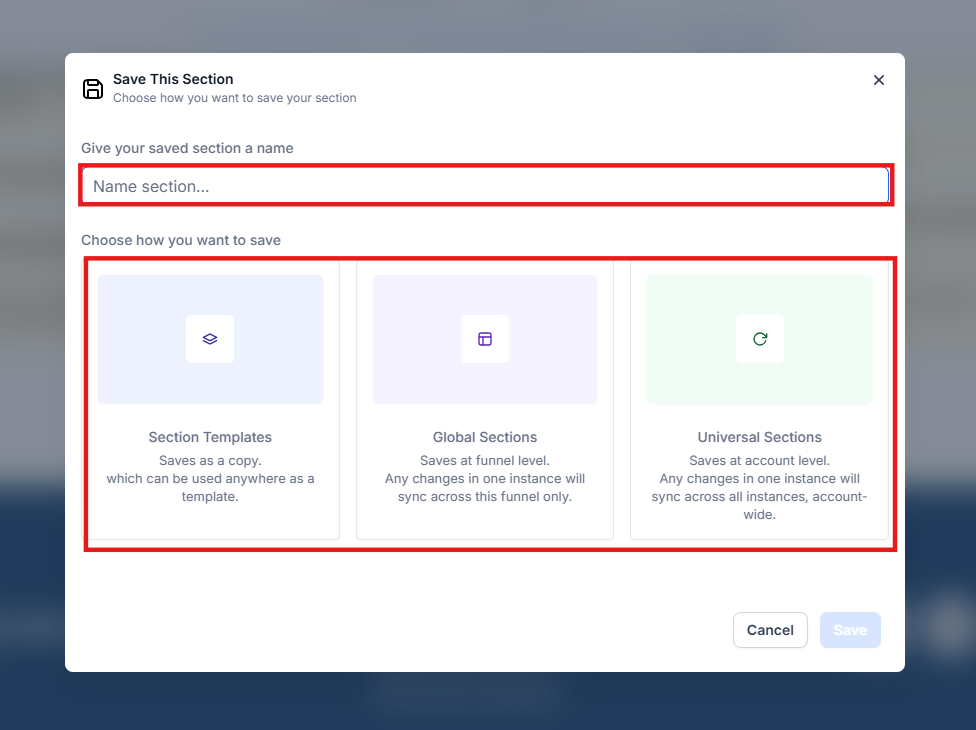
By incorporating preset sections from funnels or websites into your blog, you can maintain consistency in design and enhance the overall aesthetic appeal while ensuring a seamless user experience.
¶ Pro Tips for Enhancing Your Blog with Section Templates and Global Sections
- Consistency is Key : Use Global Sections for elements like headers, footers, and navigation bars to maintain consistency across your blogs, funnels, and websites. This ensures a unified brand experience across all platforms.
- Optimize for Engagement : Customize buttons, social media icons, and progress bars to make your blog more interactive. Adding a call-to-action (CTA) or progress bar at the end of your blog post can encourage readers to take the next step or continue exploring your content.
- Leverage SEO : While editing your blog, be sure to fill out the Blog Title, Blog Description, and other SEO settings. These elements are crucial for improving your search engine ranking and visibility.
- Experiment with Visual Appeal : Don’t shy away from using images and countdown timers to make your blog more visually appealing. Visual elements can increase engagement and make your blog posts more memorable.
- Test Mobile Responsiveness : Ensure that your blog and its sections look great on mobile devices. Many readers will access your blog from their phones, so checking the mobile view for consistency is essential.
¶ FAQ
Question: How do I add preset sections from my website or funnel into my blog?**
**Answer: To add preset sections, navigate to the Sites section, select Blogs , and either create a new blog or edit an existing one. Once in the blog editor, you can easily drag and drop sections from your website or funnel into the blog. These sections will be consistent with your existing designs.
Question: What are Global Sections, and how do they work?**
**Answer: Global Sections allow you to save certain elements (such as headers or footers) to reuse across different blogs, funnels, and websites. Once you save a section as global, you can easily insert it into any page or post to maintain a consistent design across all your sites.
Question: Can I customize buttons and social media icons in my blog?**
**Answer: Yes! You can add and customize buttons, social media icons, images, and progress bars to enhance your blog’s visual appeal and interactivity. Explore the available themes and adjust the style to match your blog’s aesthetic.
Question: How do I improve my blog’s SEO?**
**Answer: To optimize your blog for search engines, ensure that you fill out the Blog Title , Blog Description , and other SEO fields in the blog editor. You can also integrate keywords into your content and use relevant tags to improve visibility in search results.
Question: Can I use the same design across my blog and website?**
**Answer: Absolutely! By using preset sections from your website or funnel, you can keep your blog’s design consistent with the rest of your site. Global Sections make it even easier to reuse common elements across your blogs, websites, and funnels.
Question: Do I need to recreate sections for each blog?**
**Answer: No. Once a section is saved as a preset or Global Section, it can be reused across multiple blogs, websites, and funnels, saving time and ensuring consistency.
Question: Why is it important to check the mobile view of my blog after adding section templates?**
**Answer: It is essential to test mobile responsiveness because many readers access blogs via mobile devices. Checking the mobile view ensures that your sections and designs remain consistent and look great across all device types.